





Additional Coach Users - Tactics Manager App
Requires an existing Tactics Manager Pro licence


Add Premier Plan features20% OFF
● 1 Year Subscription
 Animations (Create & Export) — Unlimited
280+ Ready-Made Practices
10 New Practices Monthly
Unlimited Cloud Saving
Logo Branding
Share & Collaborate (Need 2+ Coaches)
Animations (Create & Export) — Unlimited
280+ Ready-Made Practices
10 New Practices Monthly
Unlimited Cloud Saving
Logo Branding
Share & Collaborate (Need 2+ Coaches)
Additional Coach Users - Tactics Manager App
|
eBooks and Videos
Available immediately after payment
How to get started after purchase:
- Check your email — you'll receive an email with your access details straight after purchase (check your spam/junk folder if you don't see it)
- Download the Coach Viewer App — install from the Microsoft Store (Windows), Mac App Store (Mac), App Store (iPhone/iPad), or Google Play (Android/Chromebook)
- Log in — open the Coach Viewer App and sign in with your purchase email and password
- Open My Library — your purchased eBooks and videos will appear automatically
Features:
- Trusted by 500,000+ coaches worldwide
- Download for offline use — no internet connection required after download
- Translate eBooks into multiple languages (iPhone, iPad, Android, Chromebook)
- Read Aloud — listen to eBooks
- Print eBook pages on iPhone, iPad & Android (1 page at a time)
- Bookmarks & last page viewed — synced across all your devices
- Videos can be streamed or downloaded for offline viewing
Need help? Visit our eBooks & Videos Help page.
Tactics Manager
Available immediately after payment
How to get started after purchase:
- Check your email — you'll receive an email with your login details straight after purchase (check your spam/junk folder if you don't see it)
- Set your password — follow the link in the email to create your password (if you haven't already)
- Download Tactics Manager — install from the Microsoft Store (Windows), Mac App Store (Mac), App Store (iPad), or Google Play (Android Tablet / Chromebook)
- Log in — open Tactics Manager and sign in with your purchase email and password
Already have the Free version installed? Your account upgrades automatically — just open Tactics Manager and check Settings → Account to confirm.
- One-time purchase (Pro) — no subscriptions, all future updates included
- Works fully offline — only PDF export requires internet
- Use on 3 devices: 2 computers + 1 tablet
Need help? Visit our Tactics Manager Help page.
60-Day Money Back Guarantee
Not satisfied? Get a full refund within 60 days.
- Printed books — return for FREE and choose a full refund, exchange, or store credit.
- Digital products (eBooks, videos, software/apps) — contact us within 60 days by replying to your order confirmation email or via Live Chat.
FREE Returns
Quick and easy free returns within 60 days.
Printed books — contact us within 60 days and you'll have 3 options:- Send it back to us for FREE and receive a full refund
- An exchange with another product of your liking
- Store credit — added to your account to use on a future purchase
- A full refund back to your original payment method
- An exchange with another product of your liking
- Store credit — added to your account to use on a future purchase
Need help? Visit our Returns & Guarantees Help page.
Low Price Guarantee
We'll match or beat any price you find!
If you find the same new product available online at a lower total price (including shipping), let us know and we'll match it (or beat it where possible). Just send us:
- The product link
- The total price including shipping
Store Credit
Earn 5% Store Credit with every purchase!
Every time you make a purchase on SoccerTutor.com, you earn 5% Store Credit which is automatically added to your account.
How to use your Store Credit:
- Add products to cart and checkout
- Log in on the checkout page
- Select Redeem Store Credit to apply the discount to your order
To check your balance, log in to your shop account.
Save Hours & Deliver Better Sessions with Premier 🚀
Join 150,000+ coaches worldwide already saving hours every week with powerful tools that keep you organised and make your coaching more professional!

Premier
Add-On
- 280+ editable practices — +10 new every month
- Animations (create/export) — Unlimited
- Cloud saving — your practices & sessions on any device
- Add your logo — brand your practices & sessions
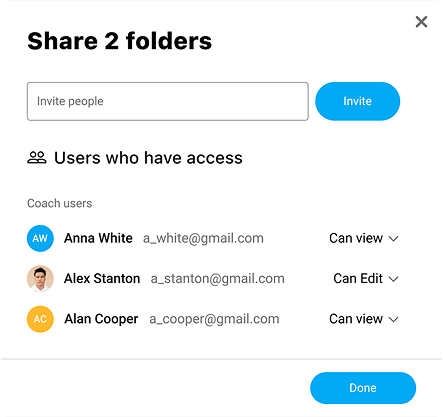
- Share and collaborate with coaches, teams, and staff

Stop Planning From Scratch — Access 280+ Editable Practices
Created by top coaches. Covering all ages & topics. Fully editable & ready to use — saving you hours!
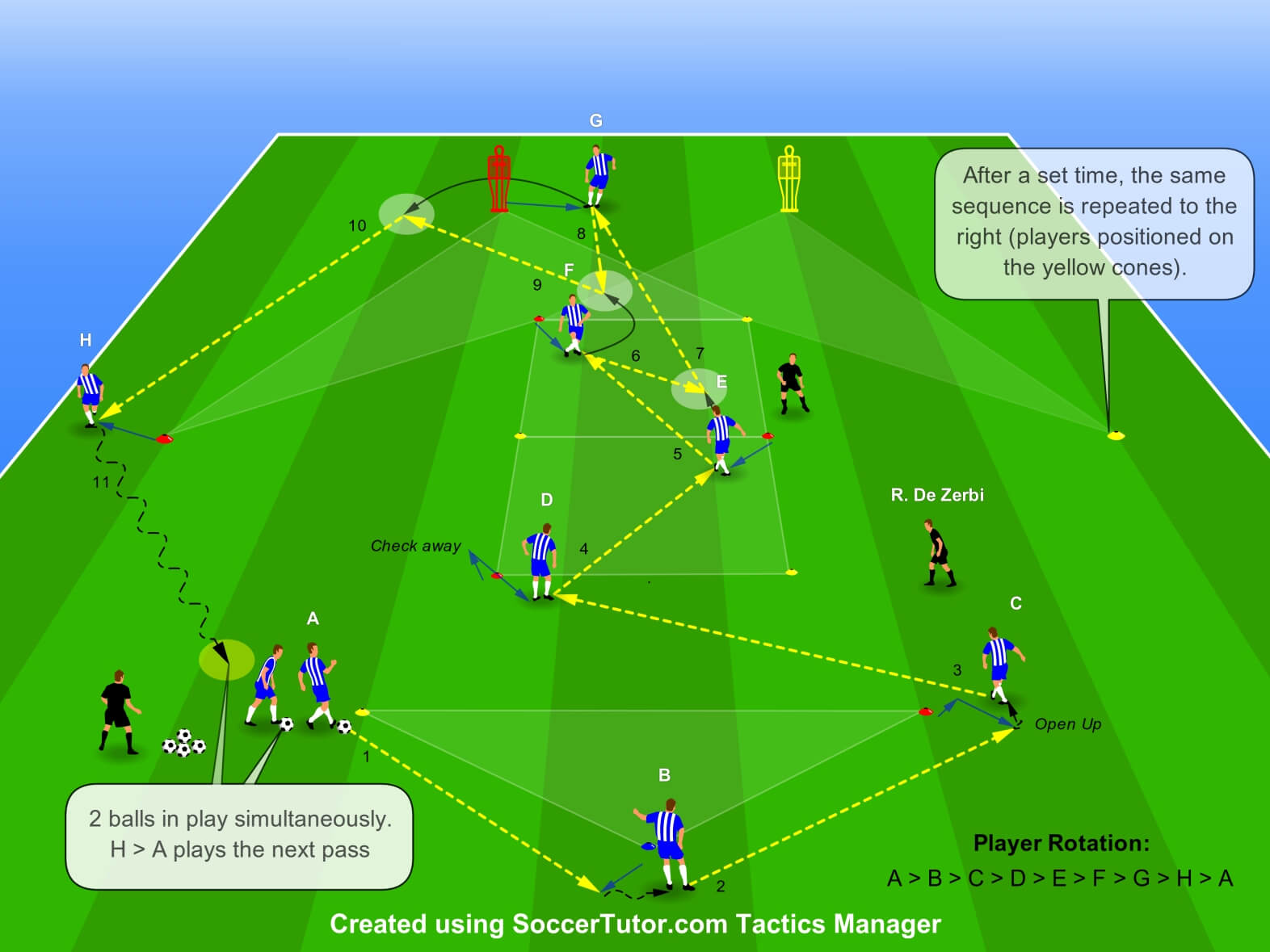
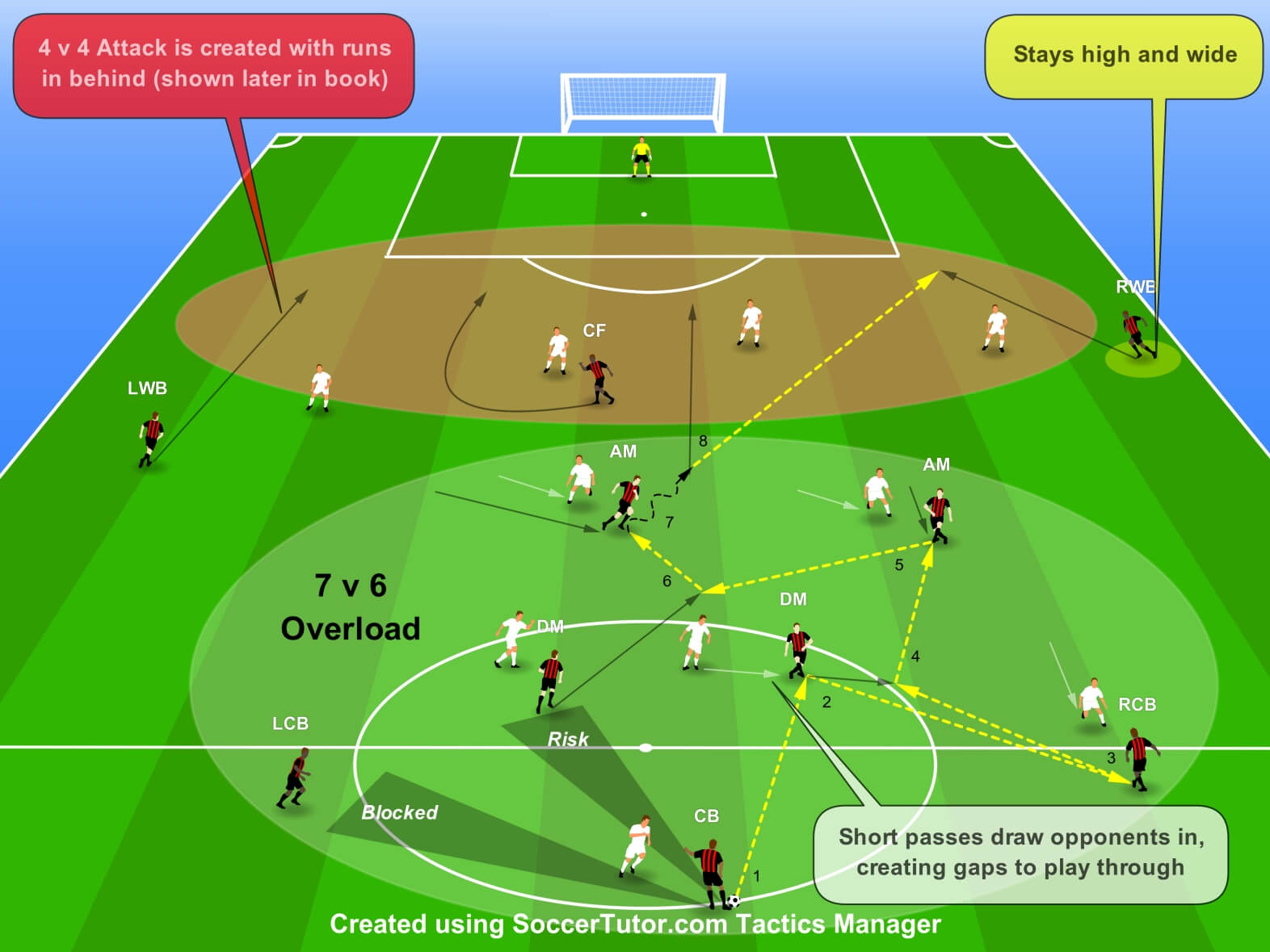
Tactical Diagrams
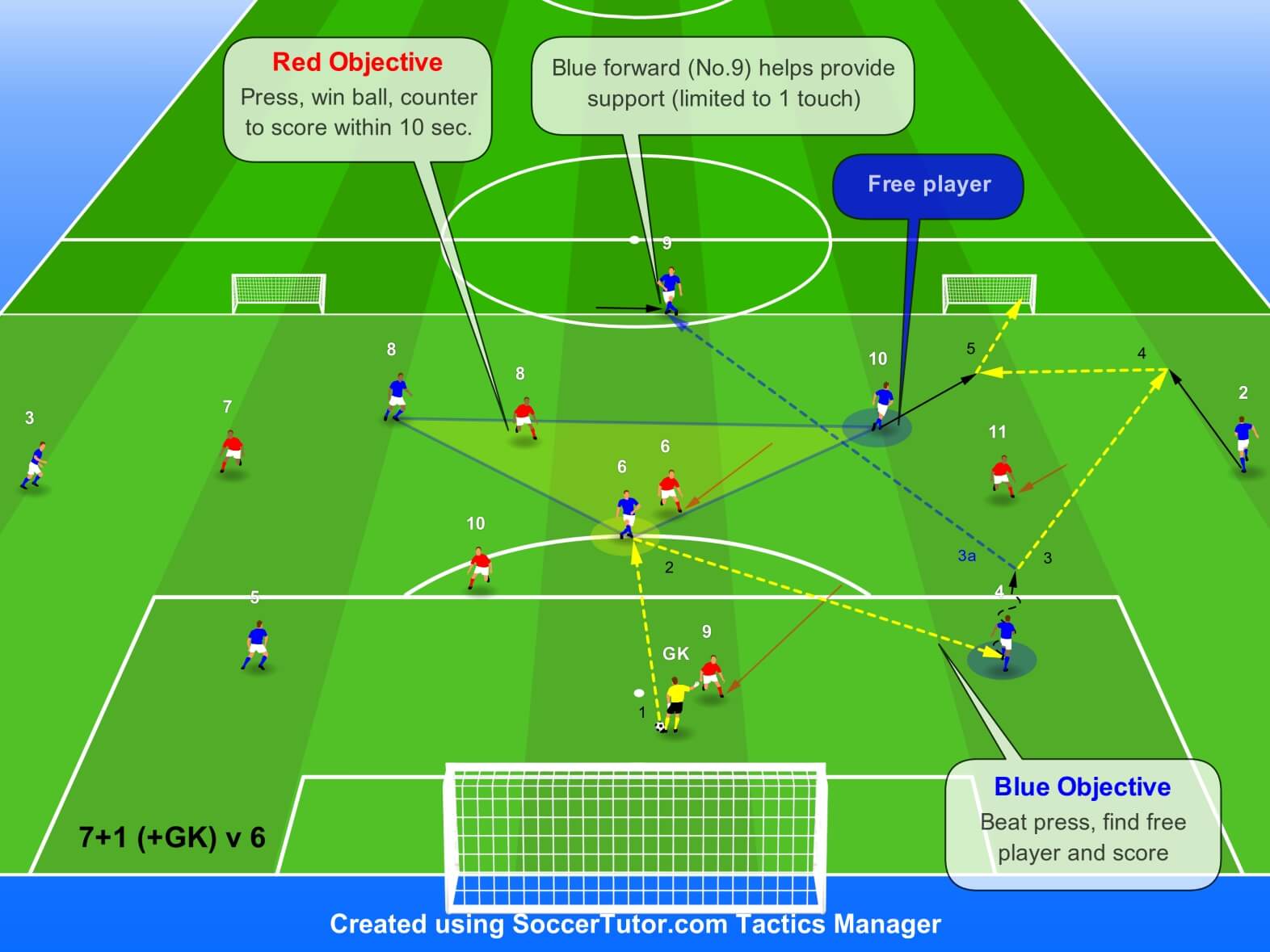
Small Sided Games
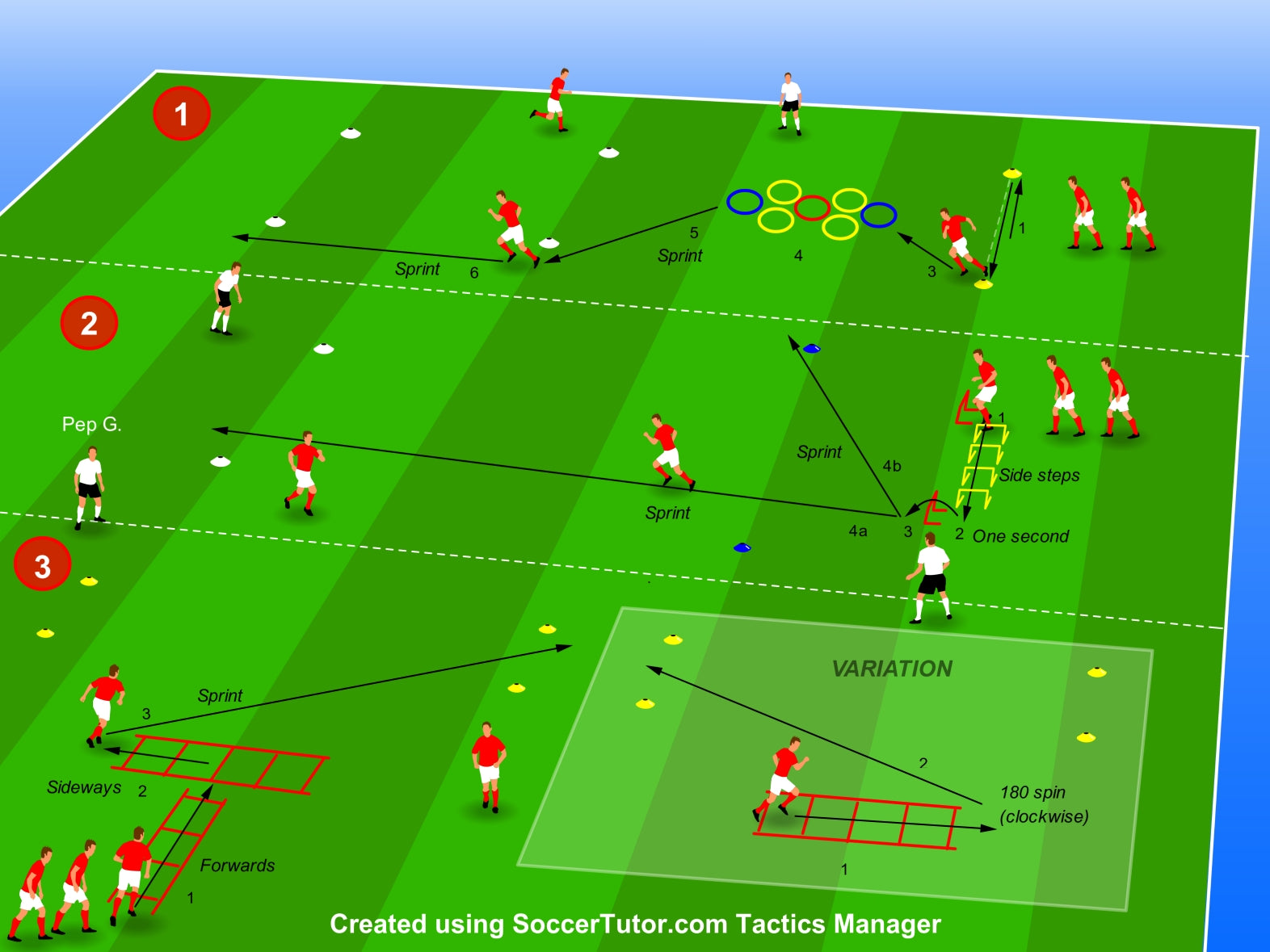
Speed, Agility, Conditioning
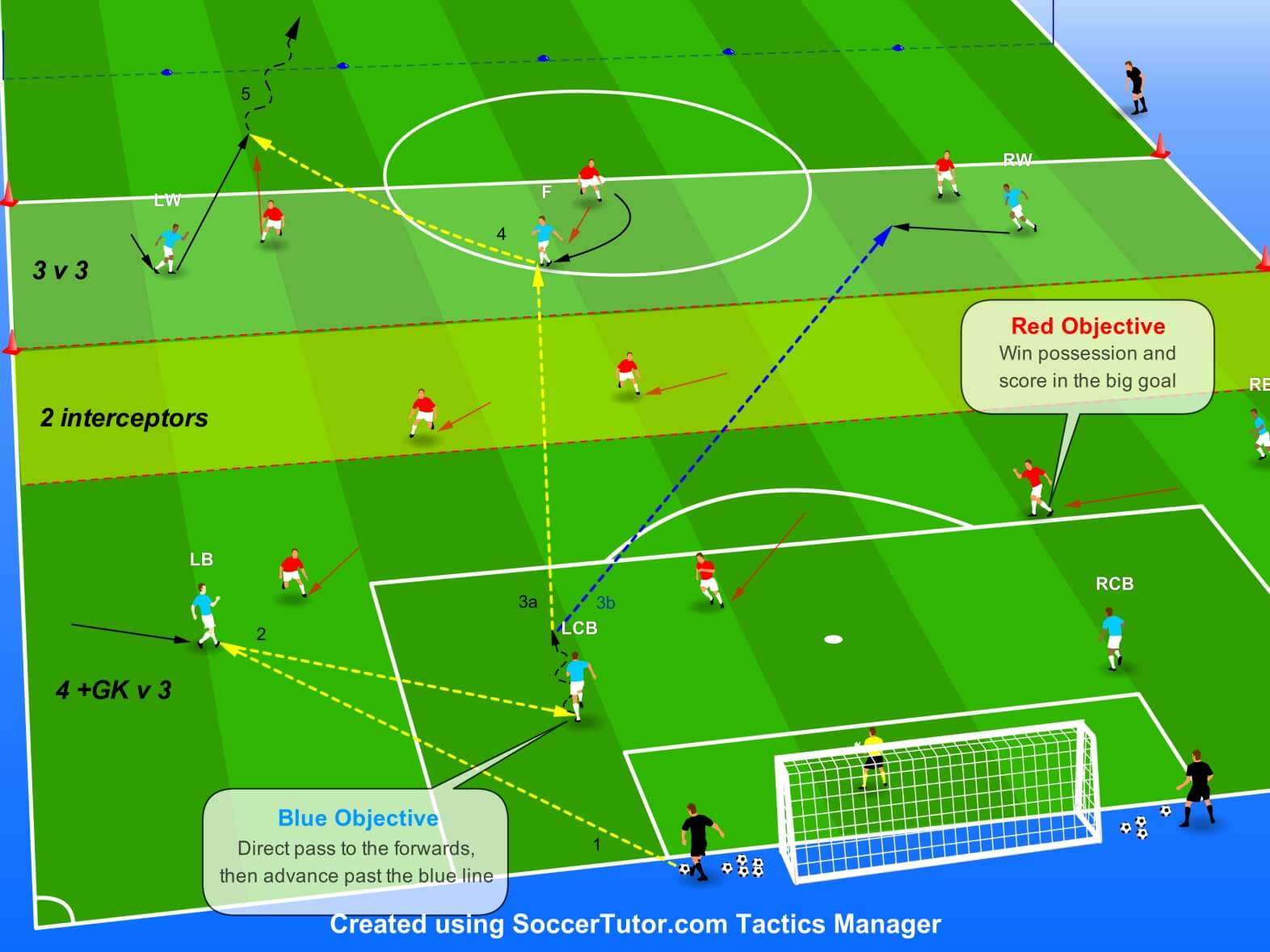
Functional Practices
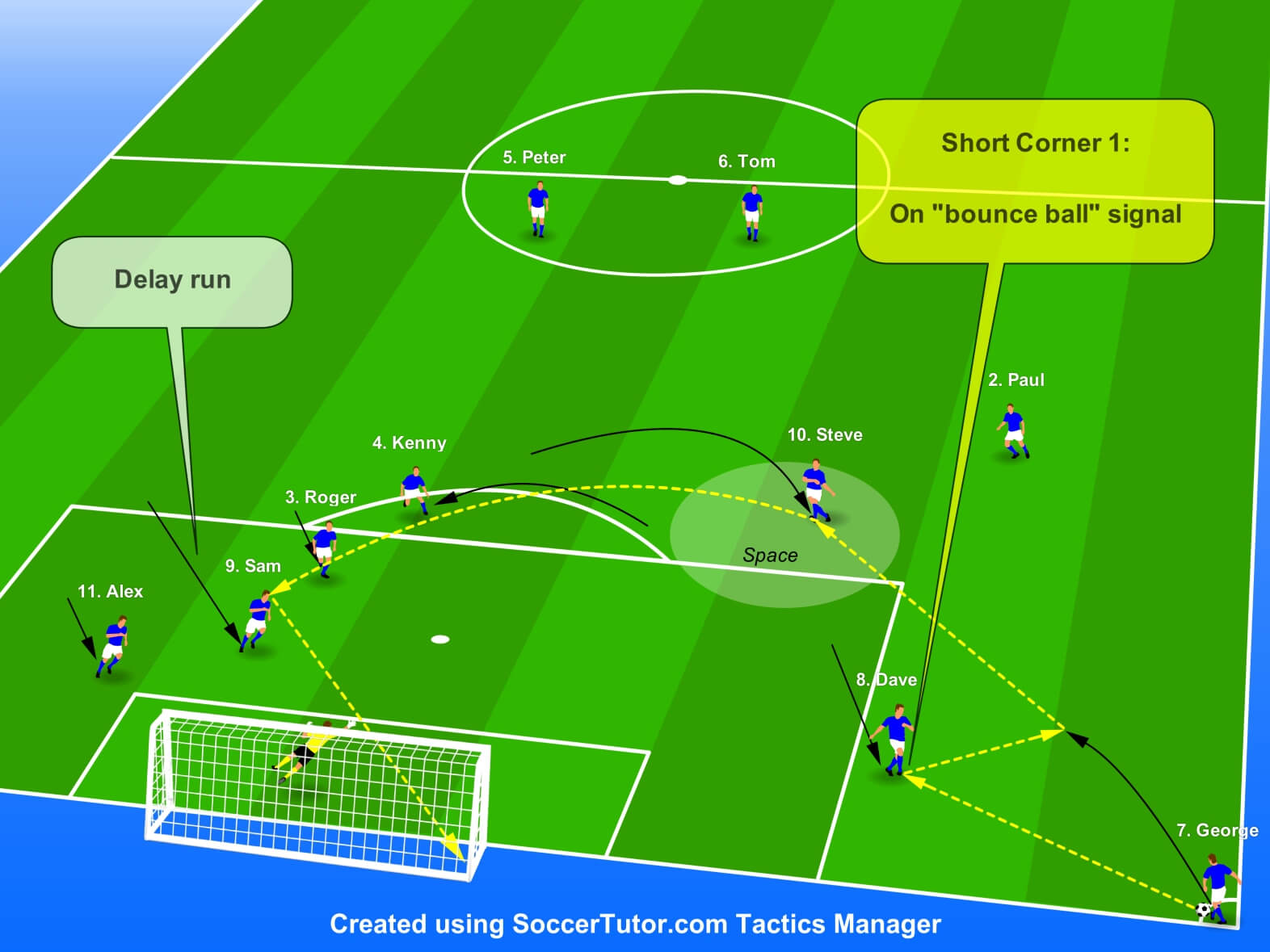
Set Plays
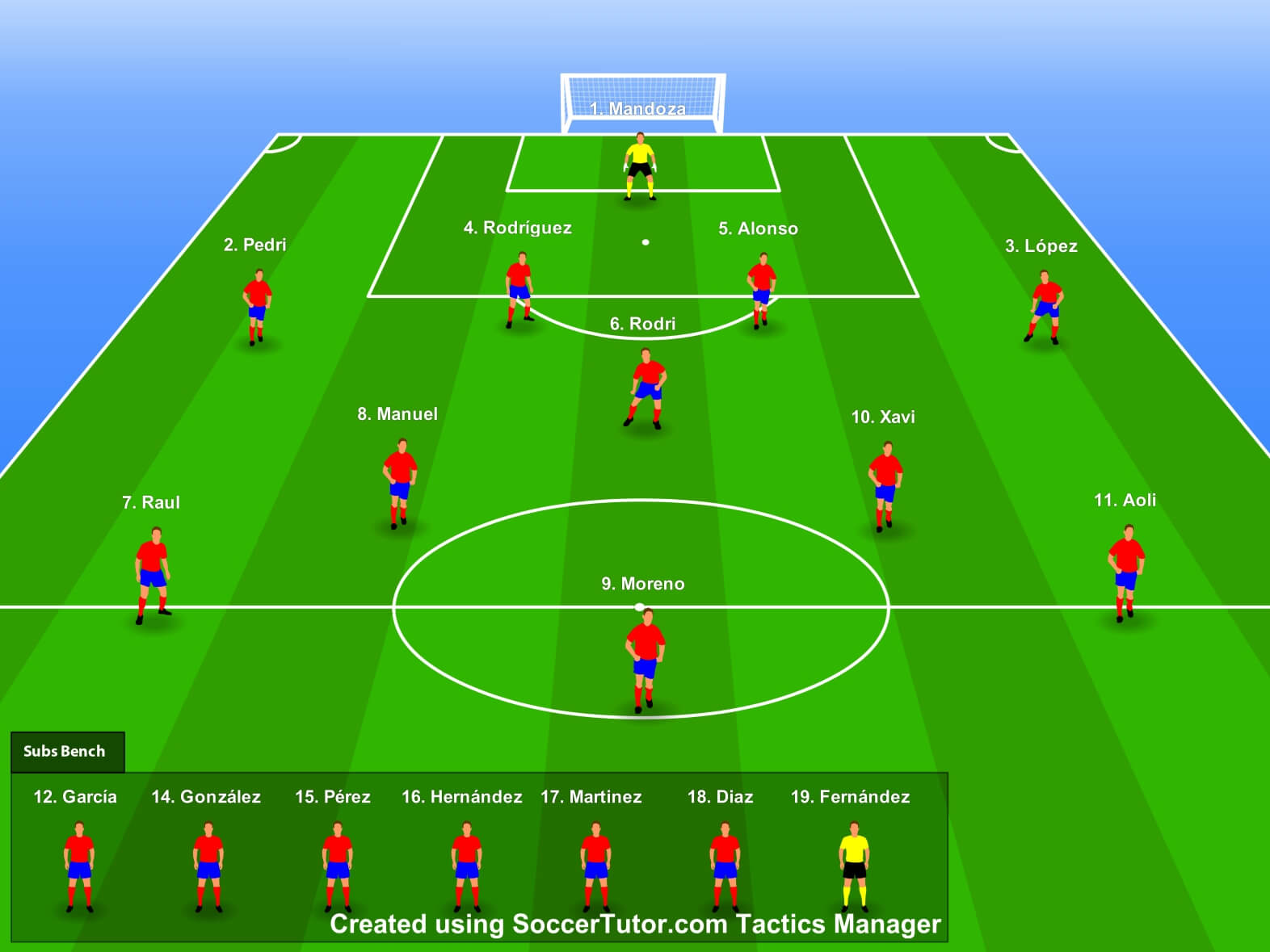
Match Day Line-Ups
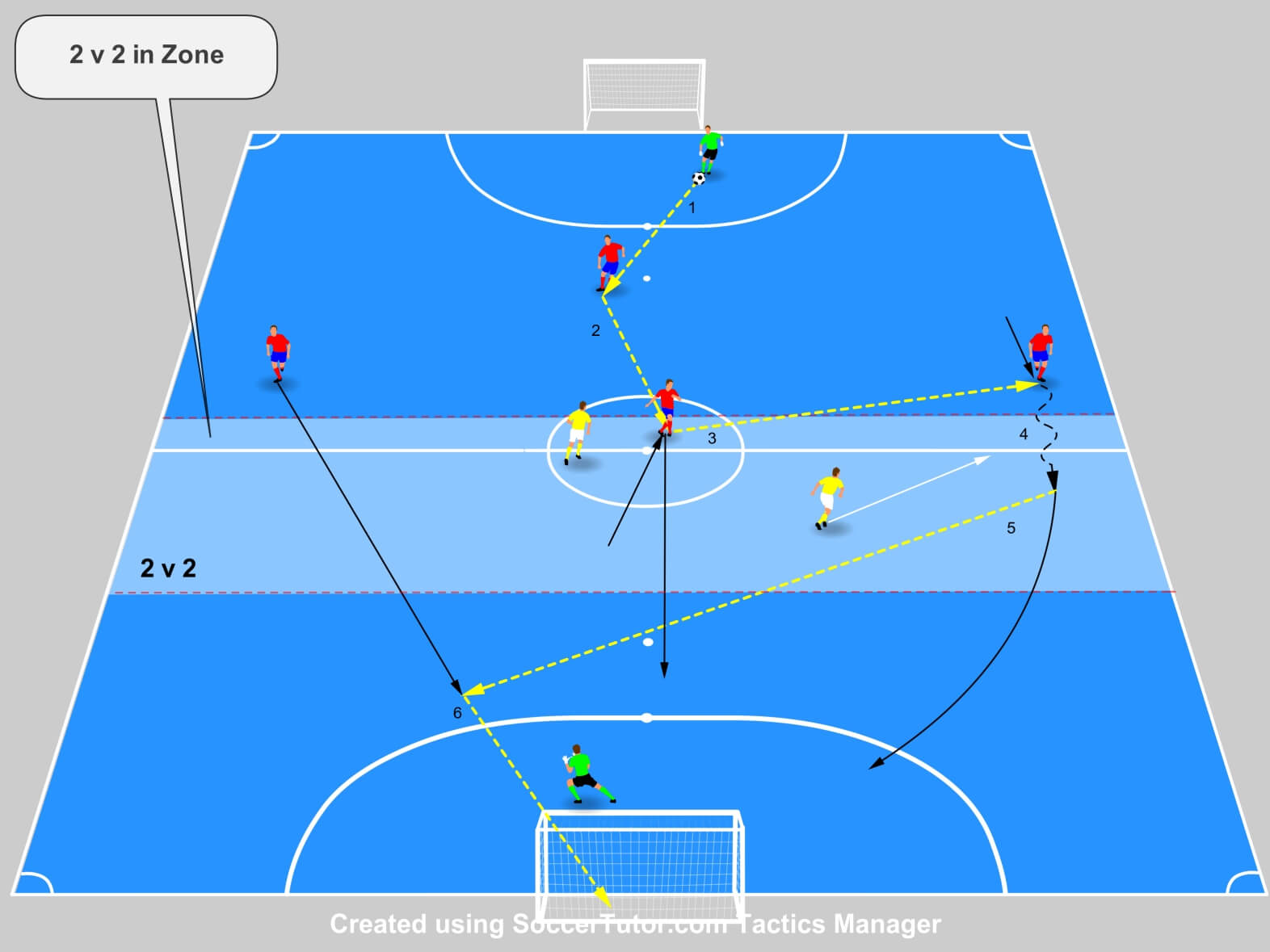
Indoor / Futsal
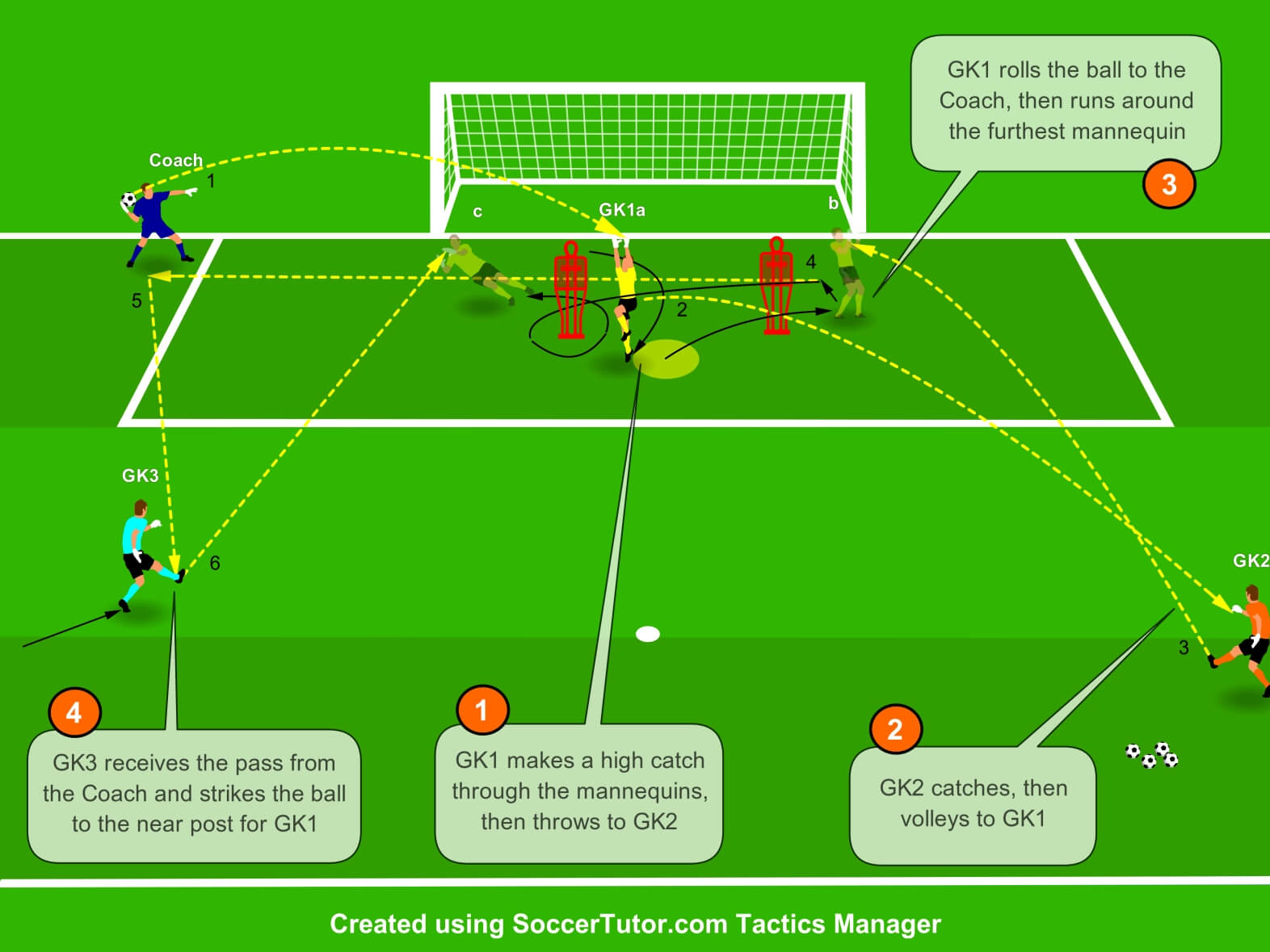
Goalkeeper Training
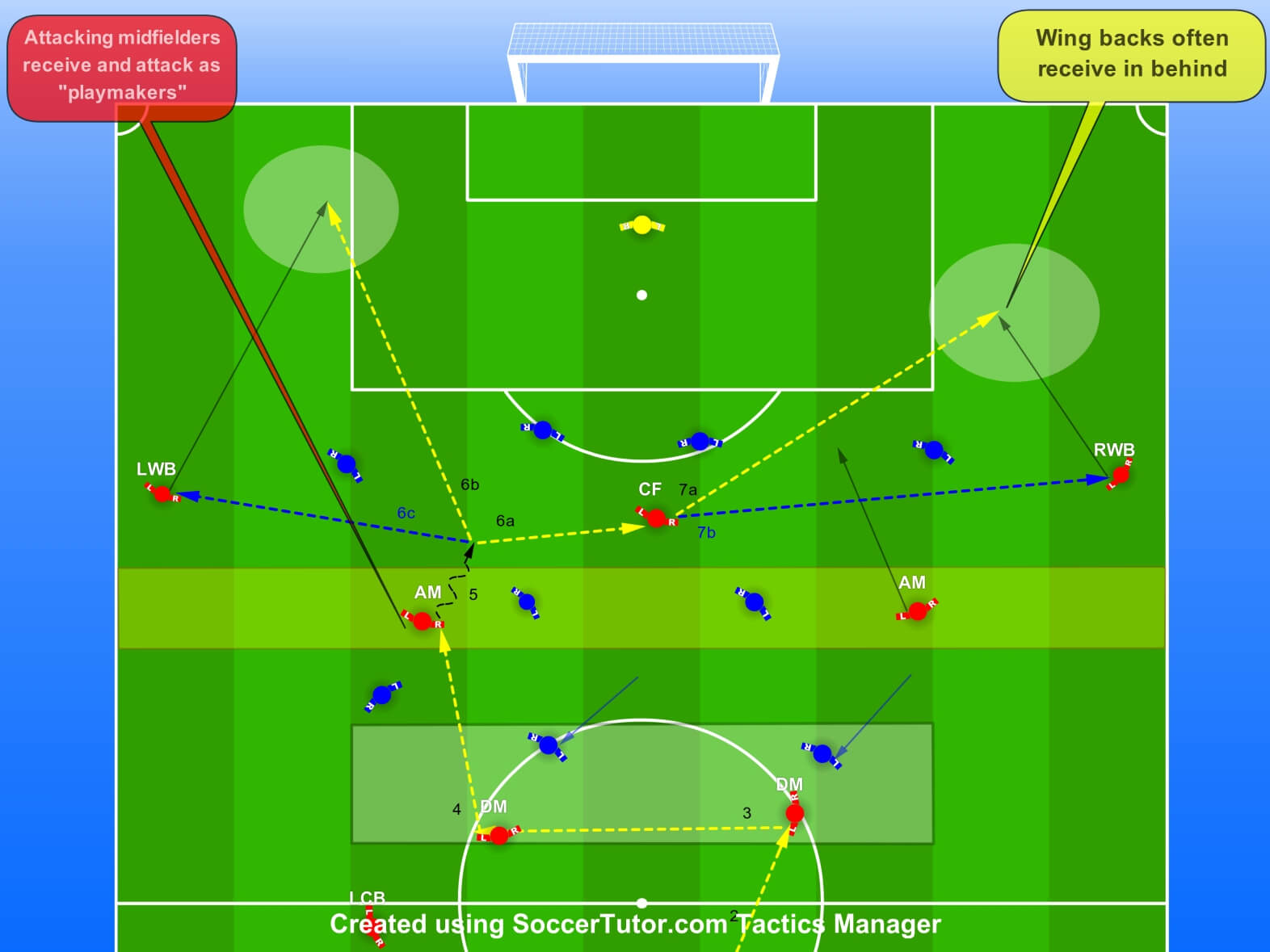
2D Diagrams
- 100s of proven ready-made practices
- 10 New Practices Monthly - keep for life
- U5 to Pro — all levels covered
- All topics — from warm-up to GK
- Save hours of time - Instant Library
- Fully editable and customisable

Cloud Saving - Access Across All Devices!
Access on all your devices. Backed up. Always ready.

Stored Locally

Save all your files on your device

Organise library by folders

Access files offline

Stored Locally with Cloud Back Up

All Stored Locally Features

Your files backed up in the cloud

Auto-backup – never lose your files

Stay synced across all devices
“Excellent tool to aid your coaching program. Easy to use and the Premier Plan option adds a lot of very useful features, highly recommended”
James
Add your Logo & Brand your
Practices and Sessions
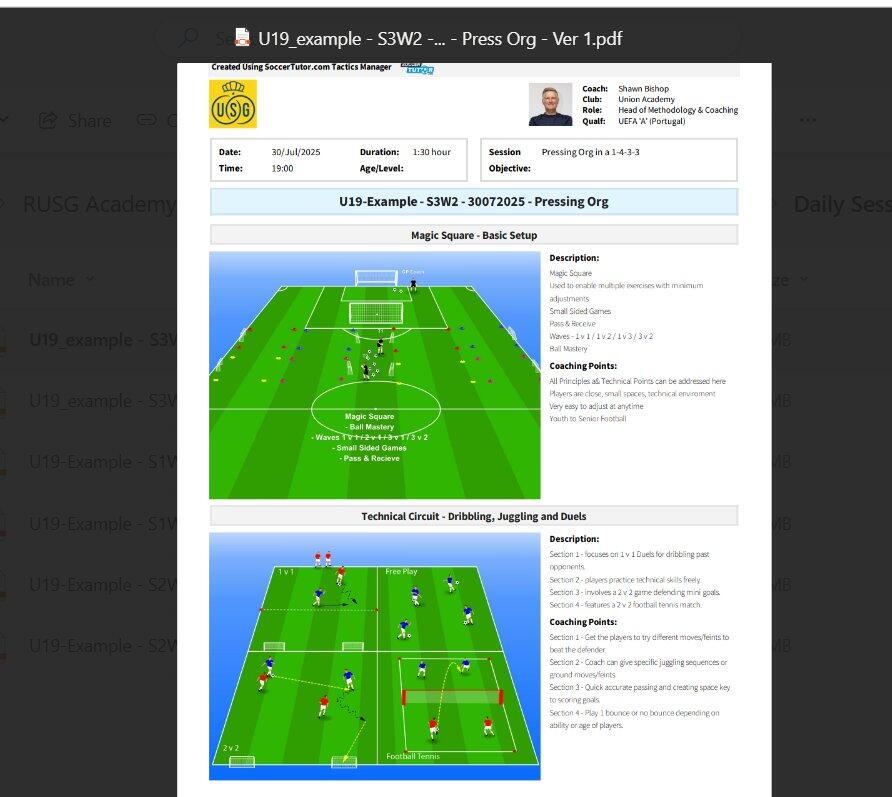
Export sessions or practices as PDFs — diagrams as JPEGs
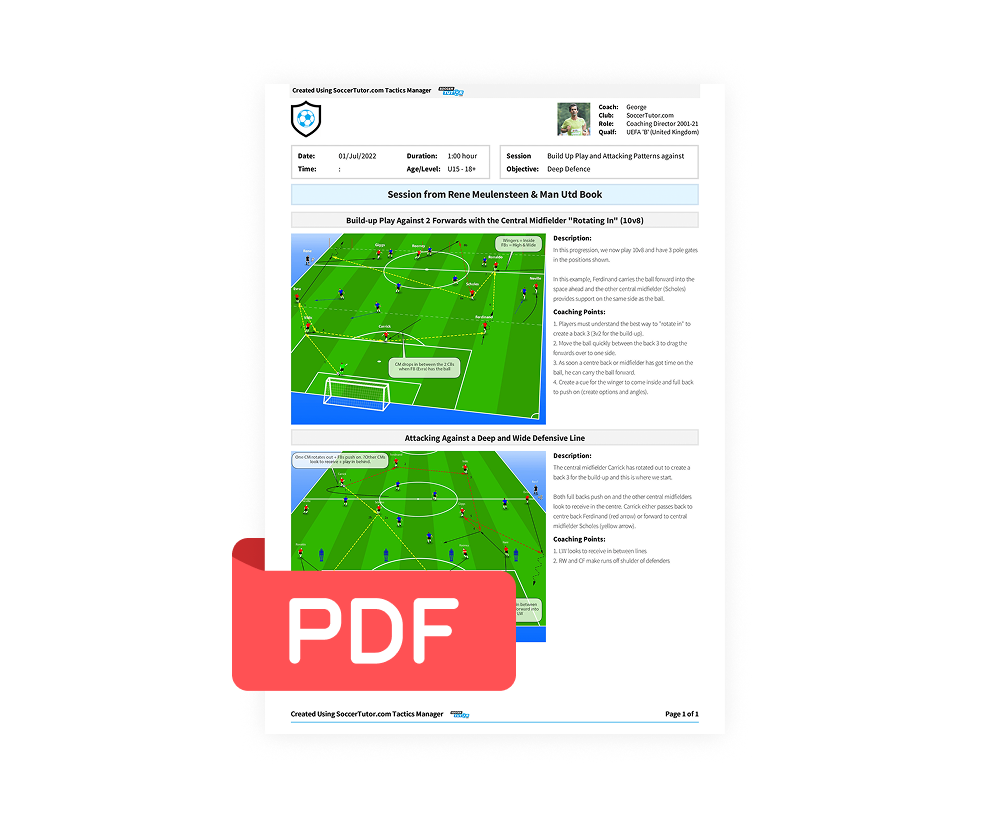
Your Logo on PDF Exports
For sessions or practices

- Export PDFs with your coach profile
- Add your logo: practices & sessions
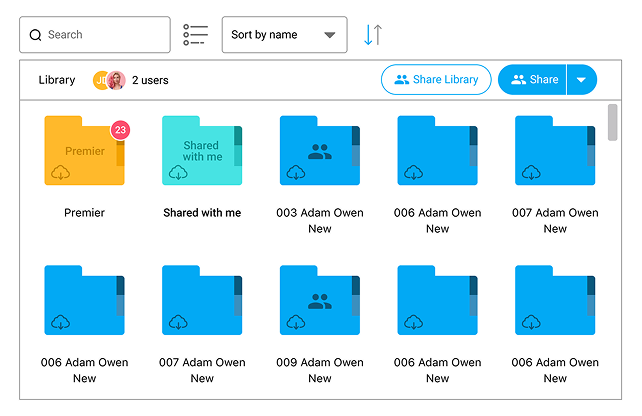
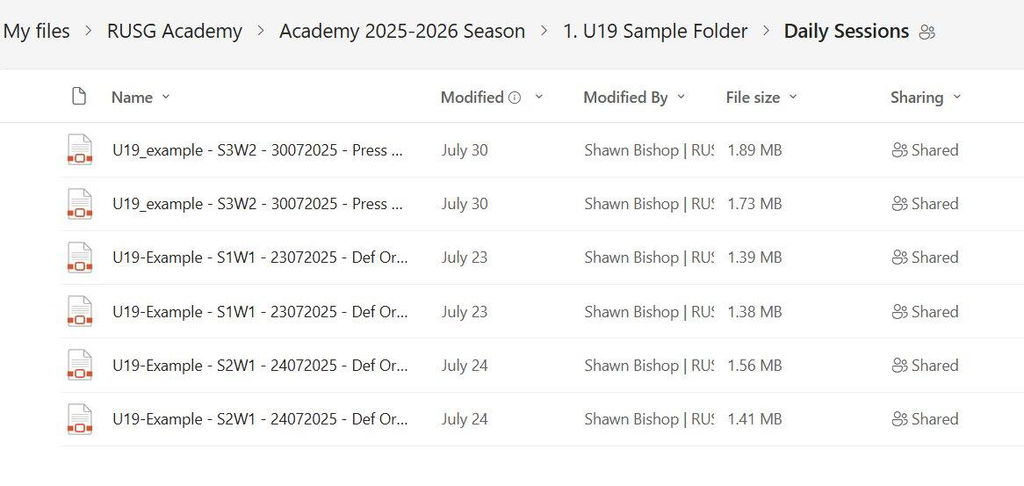
Share and Collaborate with Coaches — Folders, Practices, Sessions & Programs
No more sending files back and forth. Share drills, sessions, and full folders instantly
- Everyone stays aligned — same drills, same programs
- Share full programs with age groups or staff roles
- Skip the emails — everything synced and accessible
Upgrade to Premier today
Premier
Add-On
- 280+ editable practices — +10 new every month
- Animations (create/export) — Unlimited
- Cloud saving — your practices & sessions on any device
- Add your logo — brand your practices & sessions
- Share and collaborate with coaches, teams, and staff
Customer Reviews
Based on 4 reviews
100%
(4)
0%
(0)
0%
(0)
0%
(0)
0%
(0)
V
Very easy-to-use app to plan soccer training sessions and drills
S
Excellent product,and all our coaches are now using it to do their session planning
Great to share our sessions amongst the coaches.. I give it a 6/5
A
It is very usable when you want to plan the session and it much more easier when you can use it on ipad or tab as you can bring it to the field
I
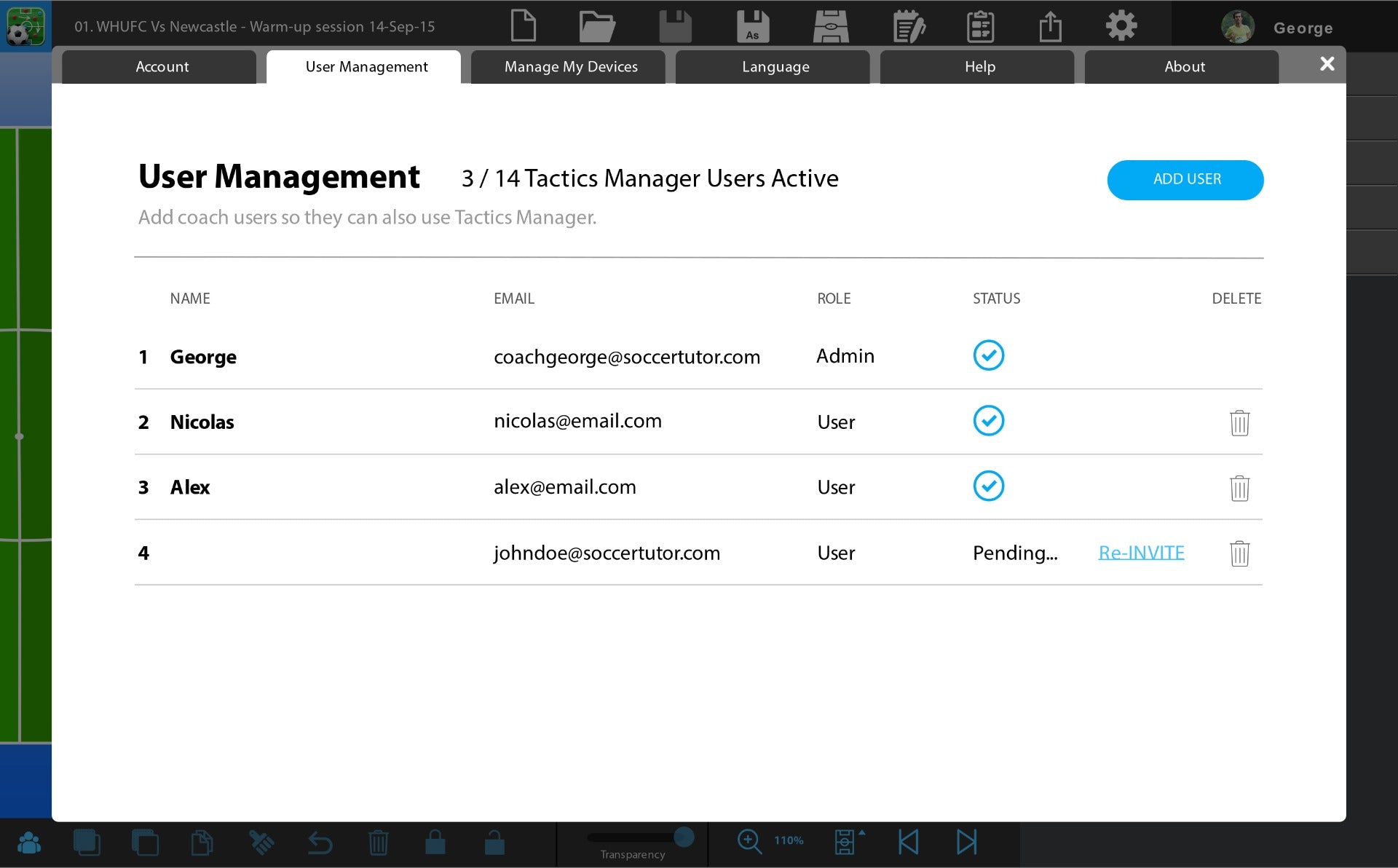
i bought additional coach user after i have a good experience with tactics manager app


