






Best Seller
Premier Plan - Extra Features for Tactics Manager Pro
Requires an existing Tactics Manager Pro licence. No Pro yet? Get Pro + Premier and save 20%

 Animations (Create & Export): Unlimited
✦ SoccerTutor AI: 50 uses a month
310+ Ready-Made Practices, incl. animations
10 New Practices Monthly
Unlimited Cloud Saving
Logo Branding
Share & Collaborate (Need 2+ coaches)

Add Additional Coach Users to Enable Sharing20% OFF
● One-time purchase (no recurring fees)
● Sharing requires 2 or more coaches on the Premier plan
Premier Plan - Extra Features for Tactics Manager Pro
|
eBooks and Videos
Available immediately after payment
How to get started after purchase:
- Check your email — you'll receive an email with your access details straight after purchase (check your spam/junk folder if you don't see it)
- Download the Coach Viewer App — install from the Microsoft Store (Windows), Mac App Store (Mac), App Store (iPhone/iPad), or Google Play (Android/Chromebook)
- Log in — open the Coach Viewer App and sign in with your purchase email and password
- Open My Library — your purchased eBooks and videos will appear automatically
Features:
- Trusted by 500,000+ coaches worldwide
- Download for offline use — no internet connection required after download
- Translate eBooks into multiple languages (iPhone, iPad, Android, Chromebook)
- Read Aloud — listen to eBooks
- Print eBook pages on iPhone, iPad & Android (1 page at a time)
- Bookmarks & last page viewed — synced across all your devices
- Videos can be streamed or downloaded for offline viewing
Need help? Visit our eBooks & Videos Help page.
Tactics Manager
Available immediately after payment
How to get started after purchase:
- Check your email — you'll receive an email with your login details straight after purchase (check your spam/junk folder if you don't see it)
- Set your password — follow the link in the email to create your password (if you haven't already)
- Download Tactics Manager — install from the Microsoft Store (Windows), Mac App Store (Mac), App Store (iPad), or Google Play (Android Tablet / Chromebook)
- Log in — open Tactics Manager and sign in with your purchase email and password
Already have the Free version installed? Your account upgrades automatically — just open Tactics Manager and check Settings → Account to confirm.
- One-time purchase (Pro) — no subscriptions, all future updates included
- Works fully offline — only PDF export requires internet
- Use on 3 devices: 2 computers + 1 tablet
Need help? Visit our Tactics Manager Help page.
60-Day Money Back Guarantee
Not satisfied? Get a full refund within 60 days.
- Printed books — return for FREE and choose a full refund, exchange, or store credit.
- Digital products (eBooks, videos, software/apps) — contact us within 60 days by replying to your order confirmation email or via Live Chat.
FREE Returns
Quick and easy free returns within 60 days.
Printed books — contact us within 60 days and you'll have 3 options:- Send it back to us for FREE and receive a full refund
- An exchange with another product of your liking
- Store credit — added to your account to use on a future purchase
- A full refund back to your original payment method
- An exchange with another product of your liking
- Store credit — added to your account to use on a future purchase
Need help? Visit our Returns & Guarantees Help page.
Low Price Guarantee
We'll match or beat any price you find!
If you find the same new product available online at a lower total price (including shipping), let us know and we'll match it (or beat it where possible). Just send us:
- The product link
- The total price including shipping
Store Credit
Earn 5% Store Credit with every purchase!
Every time you make a purchase on SoccerTutor.com, you earn 5% Store Credit which is automatically added to your account.
How to use your Store Credit:
- Add products to cart and checkout
- Log in on the checkout page
- Select Redeem Store Credit to apply the discount to your order
To check your balance, log in to your shop account.
Save Hours & Deliver Better Sessions with Premier 🚀
Join 150,000+ coaches worldwide already saving hours every week with powerful tools that keep you organised and make your coaching more professional!

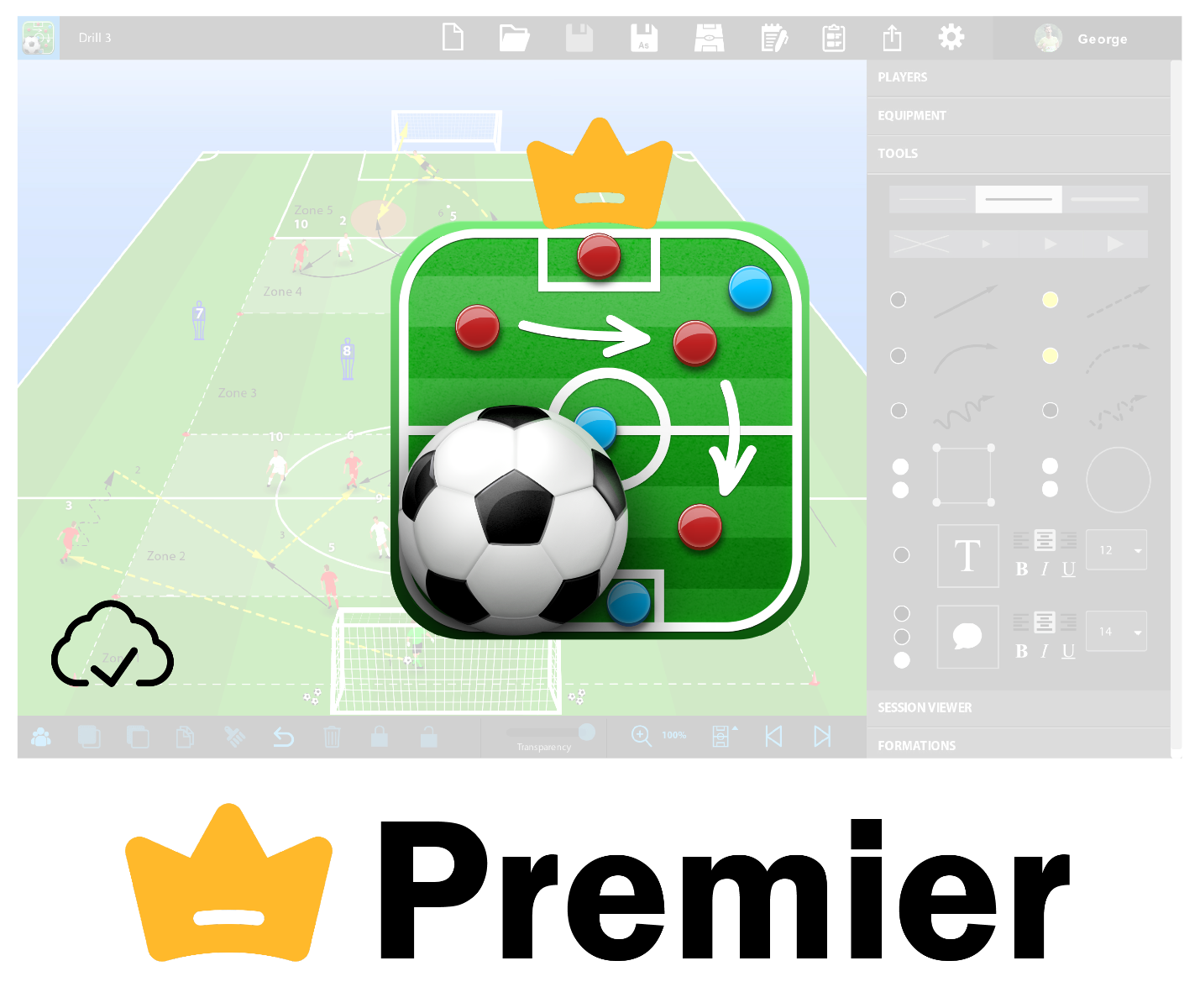
Premier
Add-On for Tactics Manager Pro
- 310+ ready-made practices: including animations, +10 new every month
- Animations: create and export, unlimited
- ✦ SoccerTutor AI: writes your training notes, 50 uses a month
- Cloud saving: your practices & sessions on any device
- Add your logo: brand your practices & sessions
- Share and collaborate with coaches, teams and staff
Included in Premier
Unlimited Animation and ✦ SoccerTutor AI
Premier gives you the most of both: unlimited animations and 50 AI uses a month.
▶ Animation
Bring Your Practices to Life
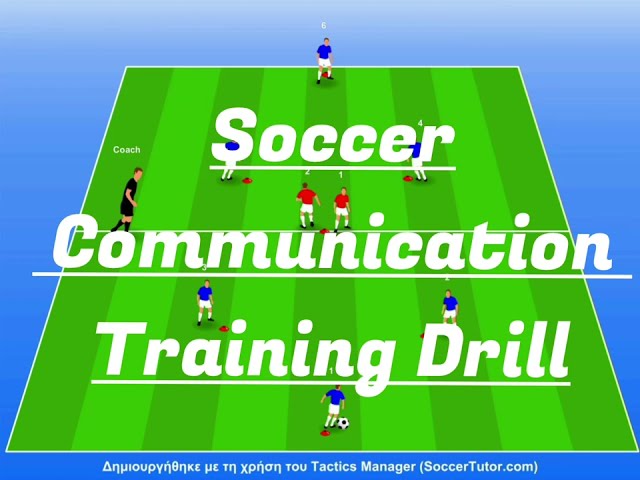
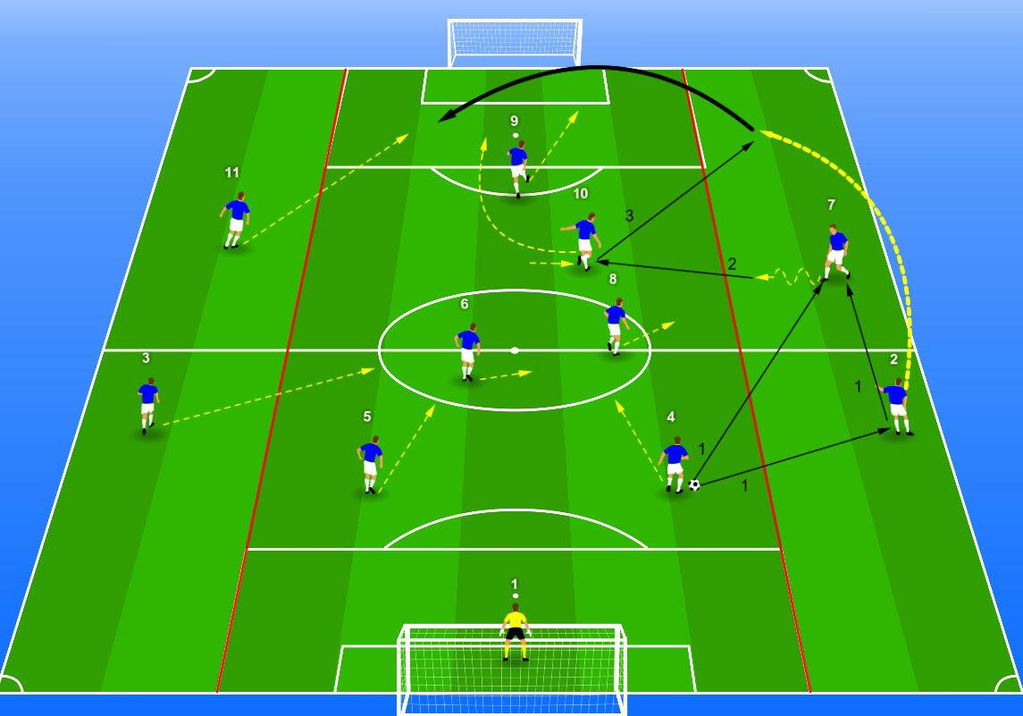
Open any practice, press Create Animation and build the movements frame by frame. Export a video your players understand in seconds.
- Start from any existing diagram, already laid out
- Ready-made animated practices to save, edit and export
- Unlimited animations on Premier (Pro: up to 5)

Training Notes Written in Seconds
Draw your practice, then let SoccerTutor AI write all 5 training notes for you, in any language.
- Title, Objective, Description, Coaching Points and Progression
- Finish or translate notes you have already started
- 50 uses a month on Premier (Pro: 5)

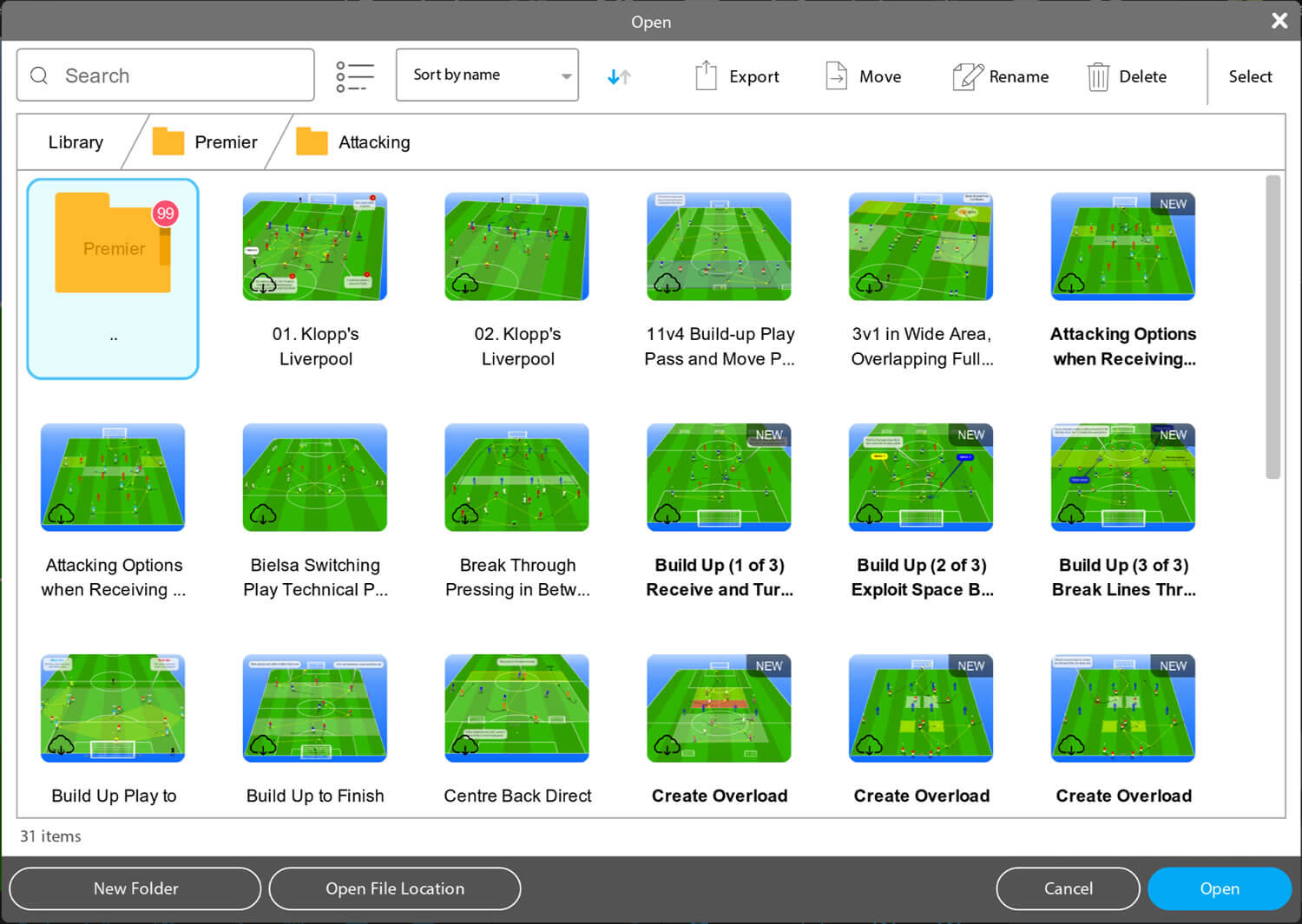
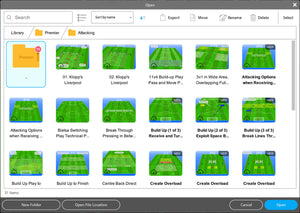
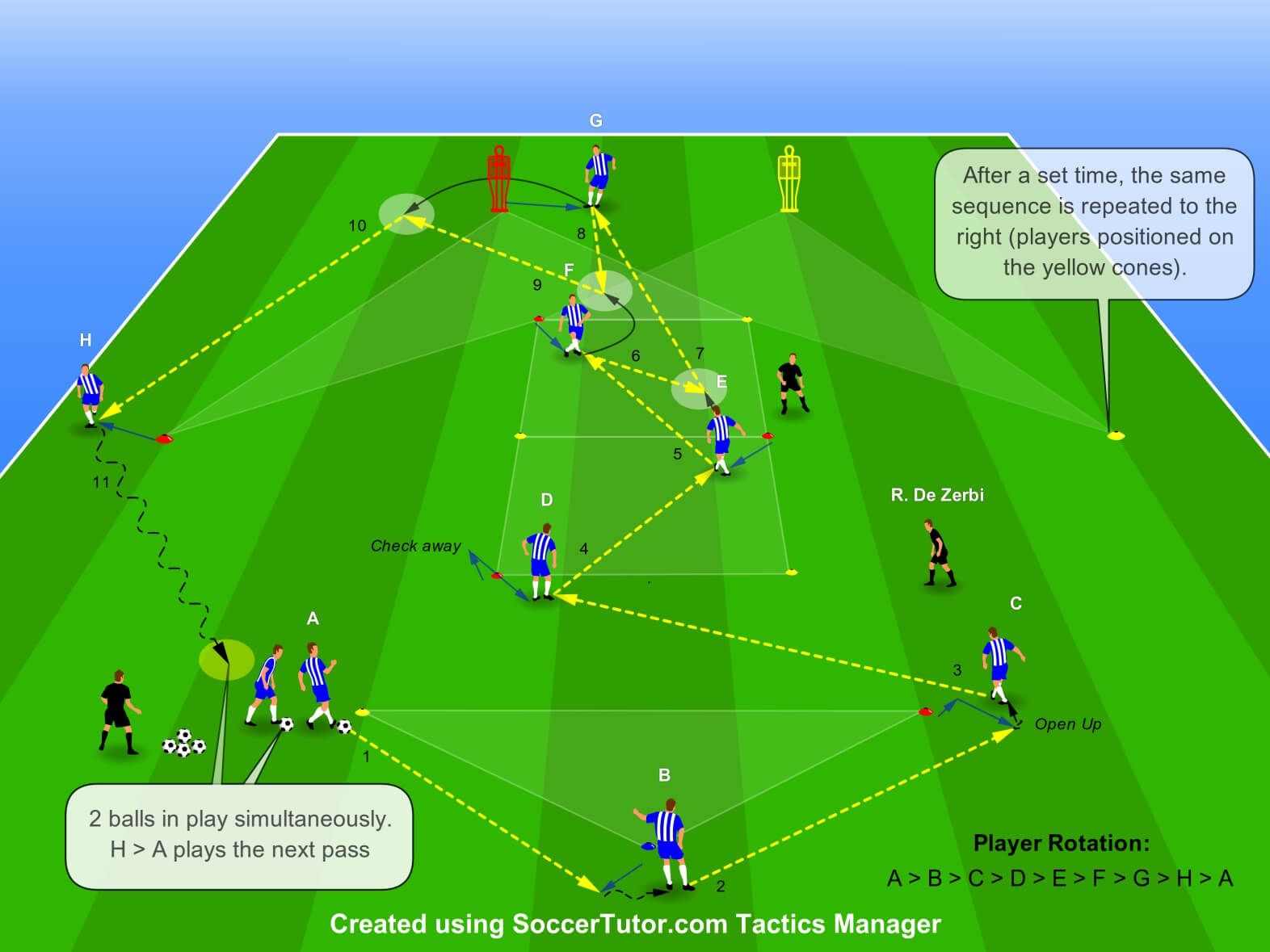
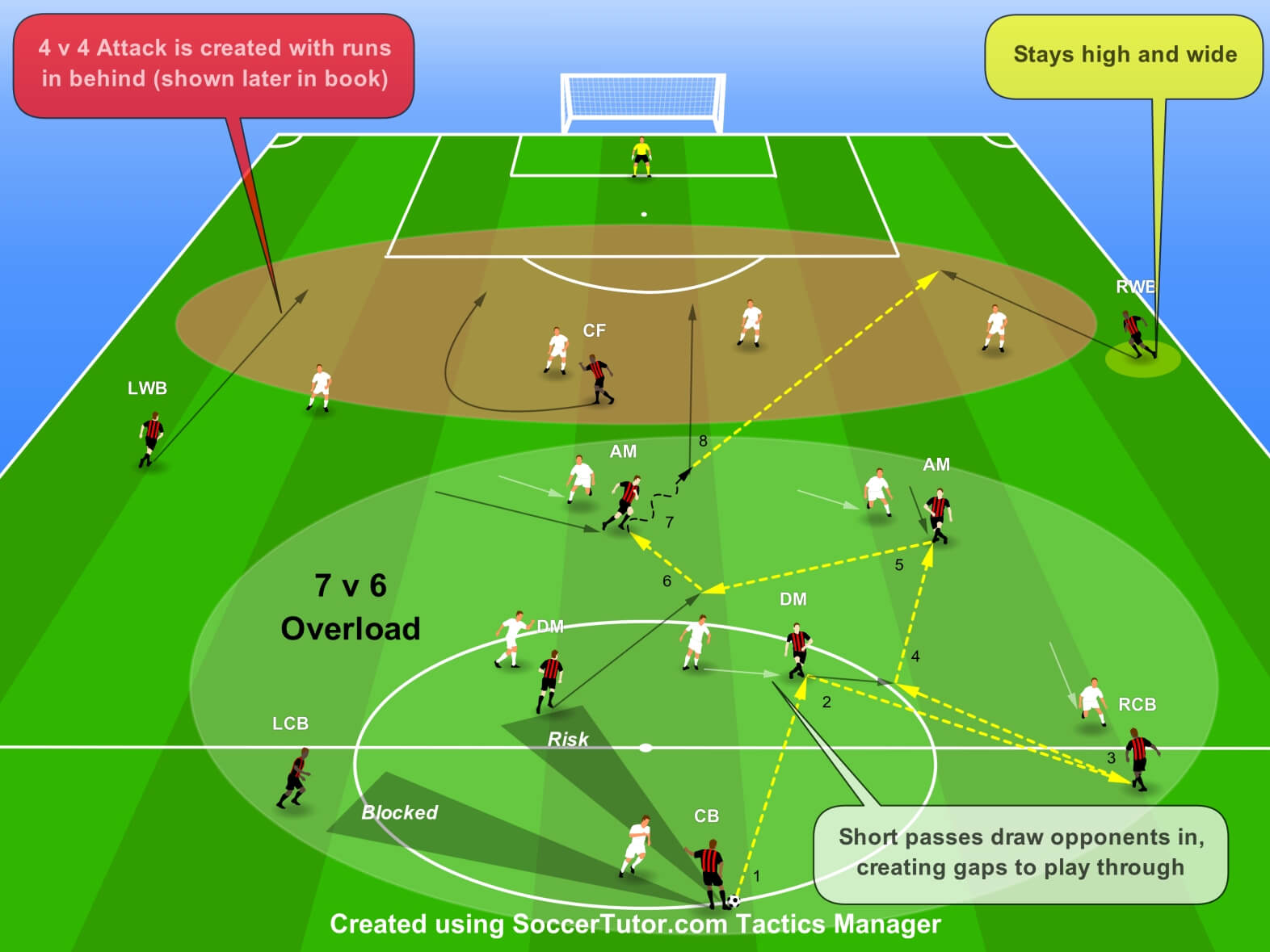
Stop Planning From Scratch: Access 310+ Editable Practices
Created by top coaches. Covering all ages & topics. Fully editable and ready to use, saving you hours! Now including animated practices.
Tactical Diagrams
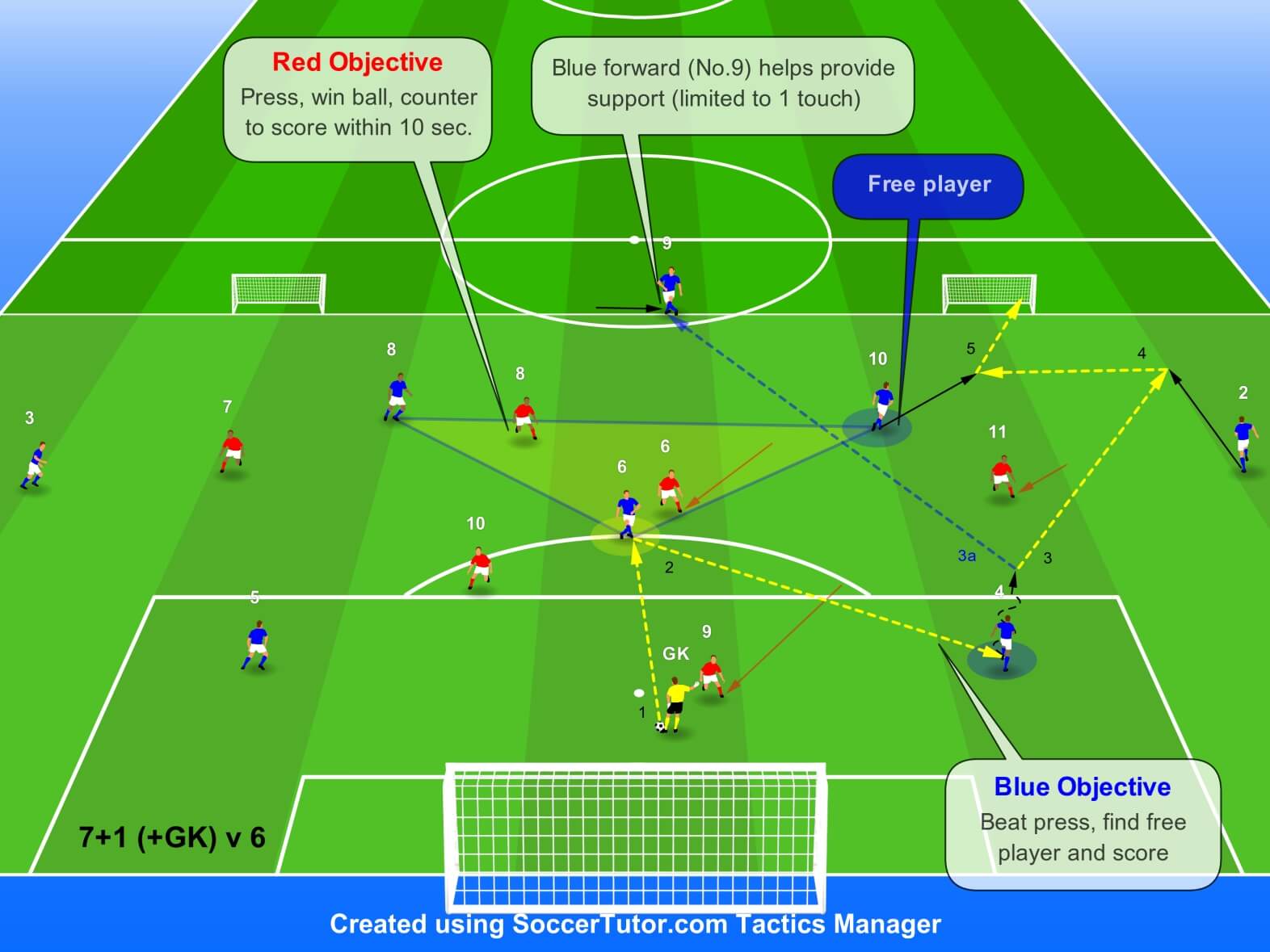
Small Sided Games
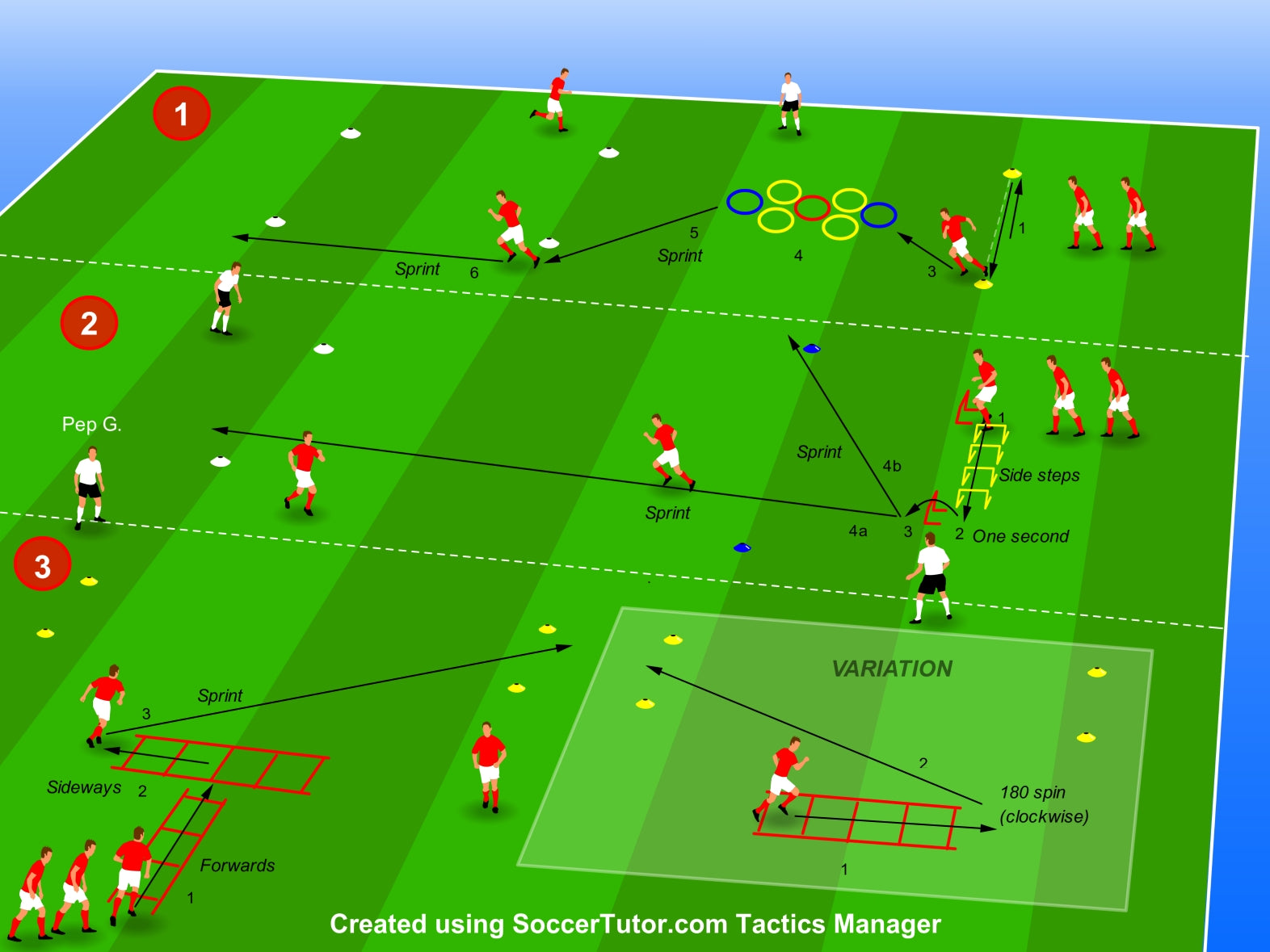
Speed, Agility, Conditioning
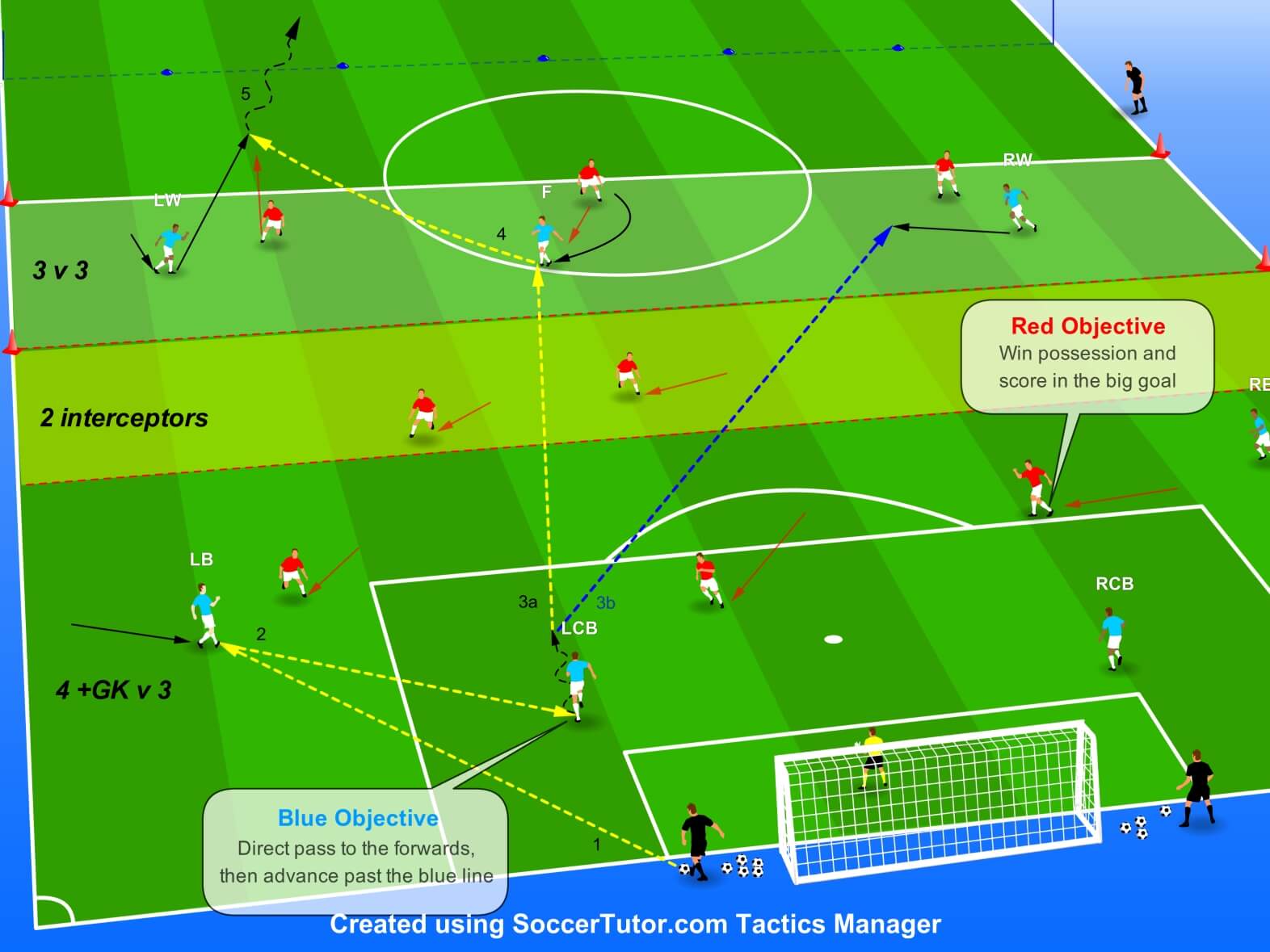
Functional Practices
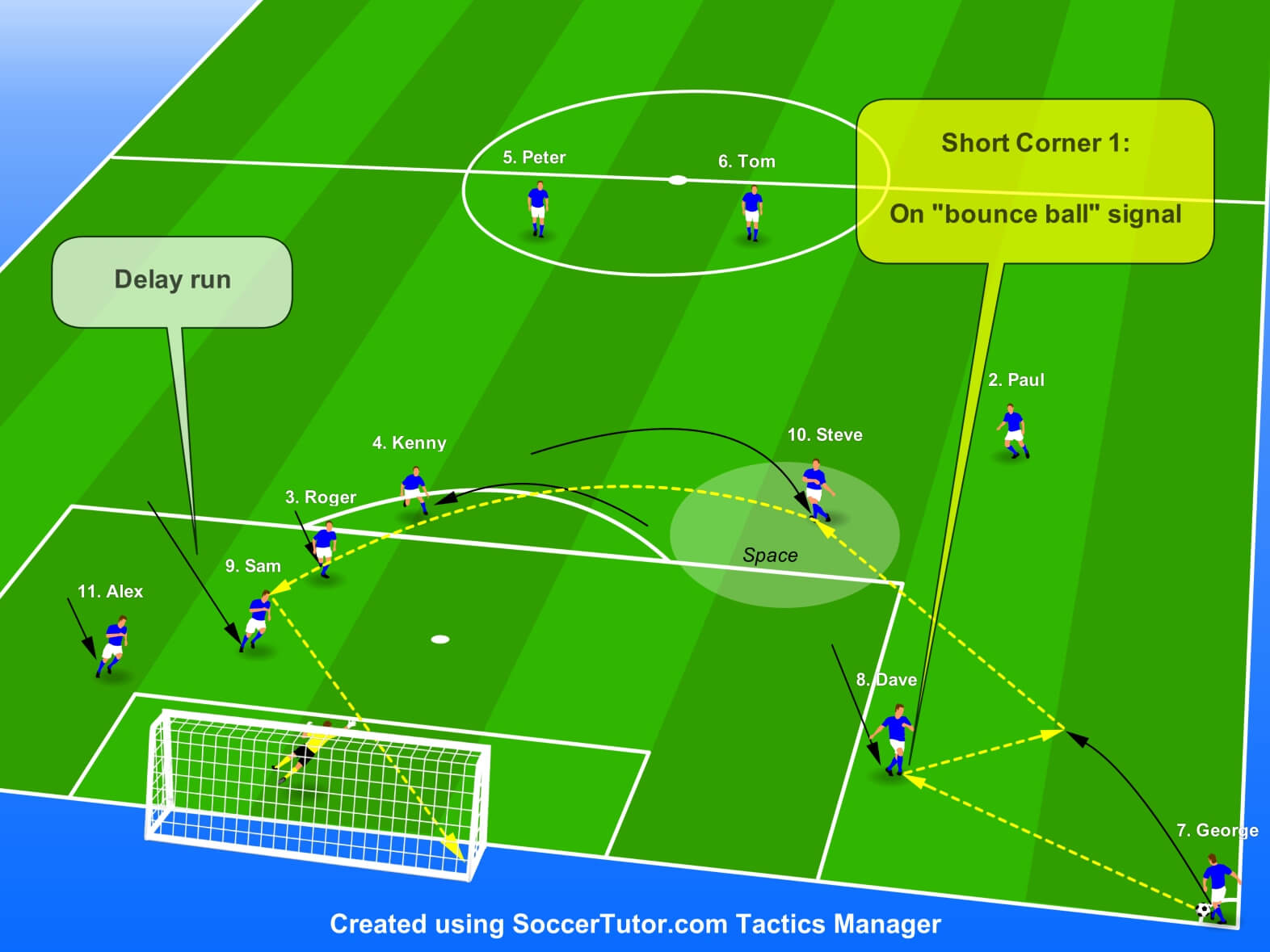
Set Plays
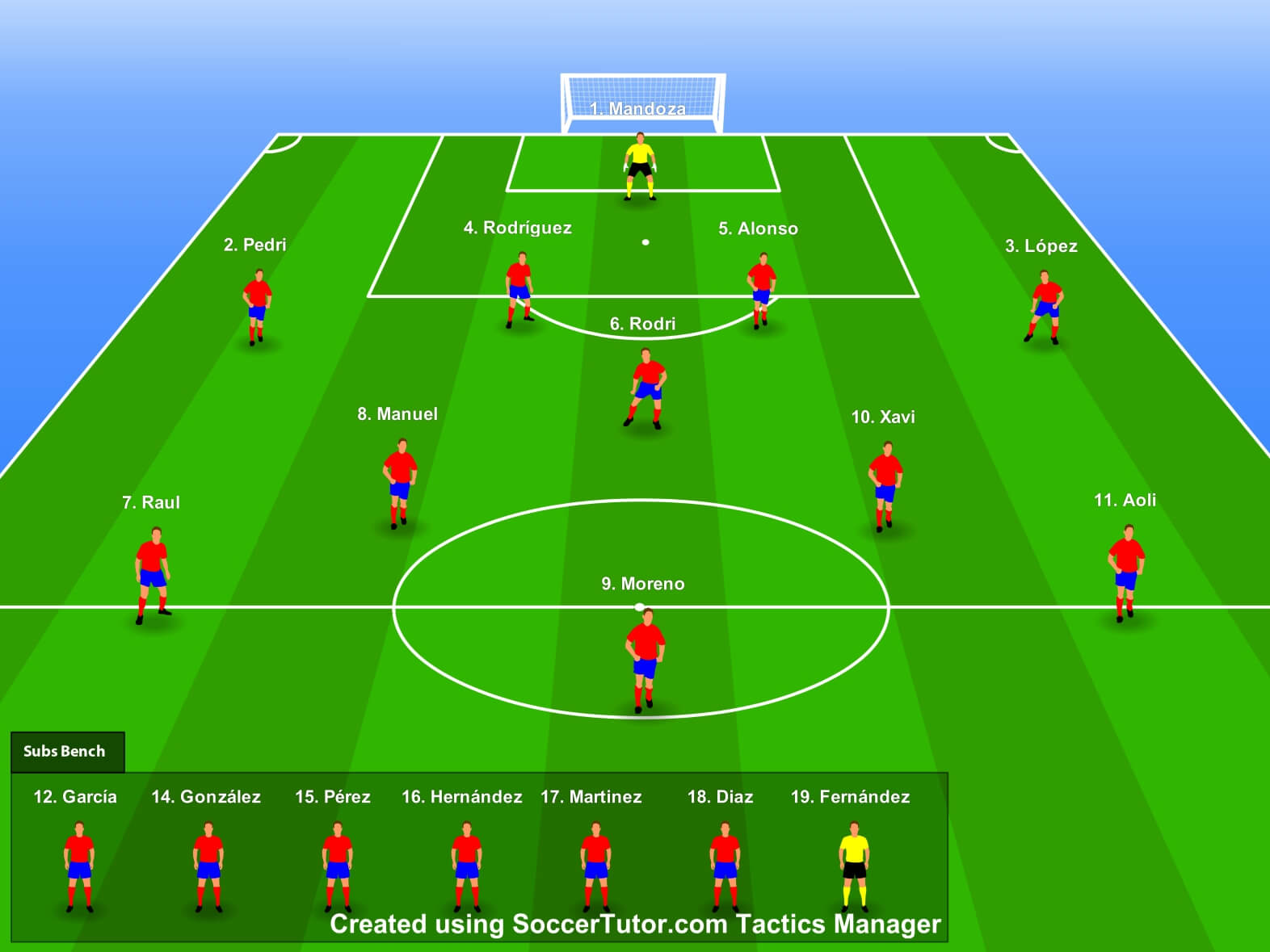
Match Day Line-Ups
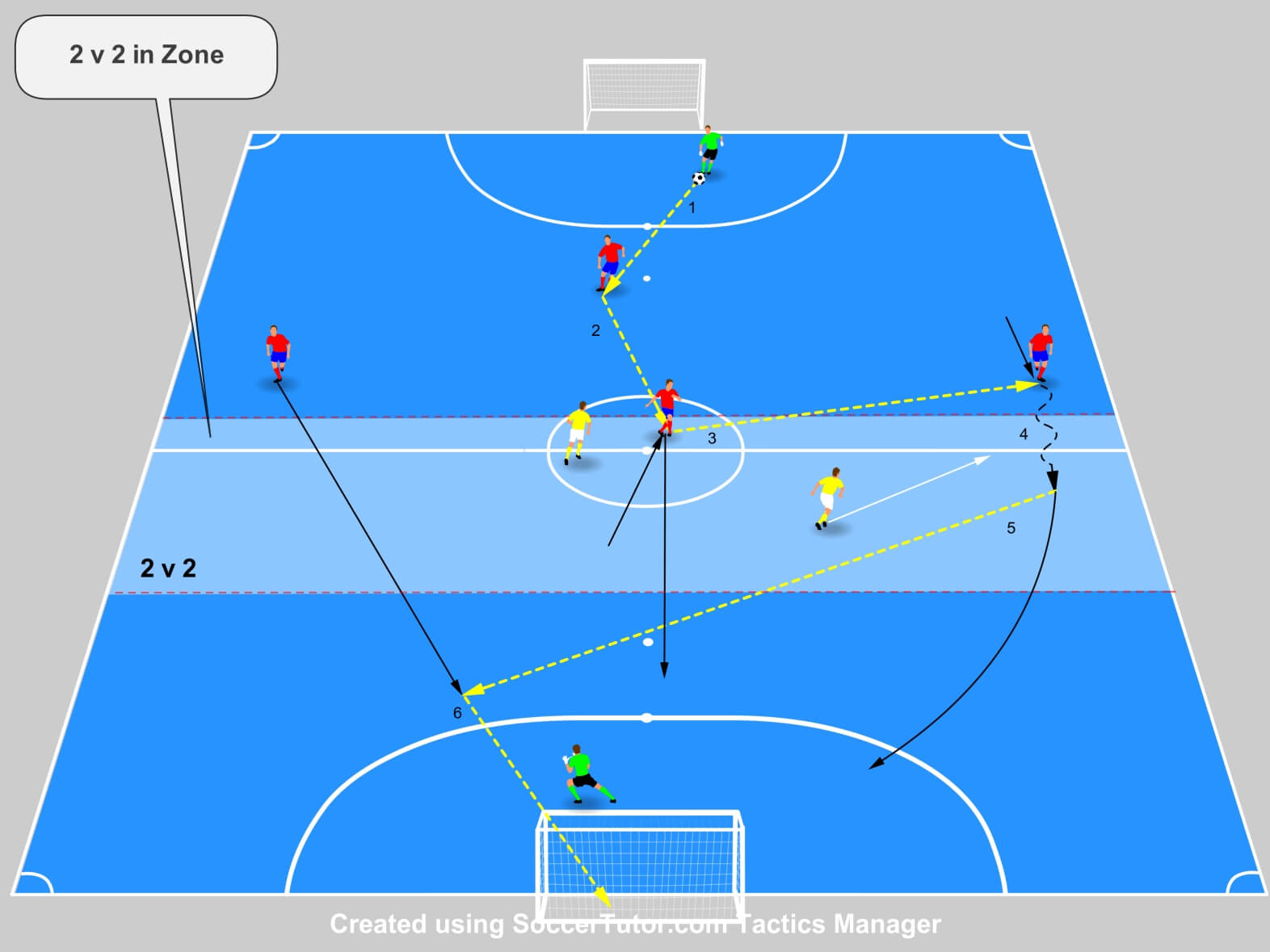
Indoor / Futsal
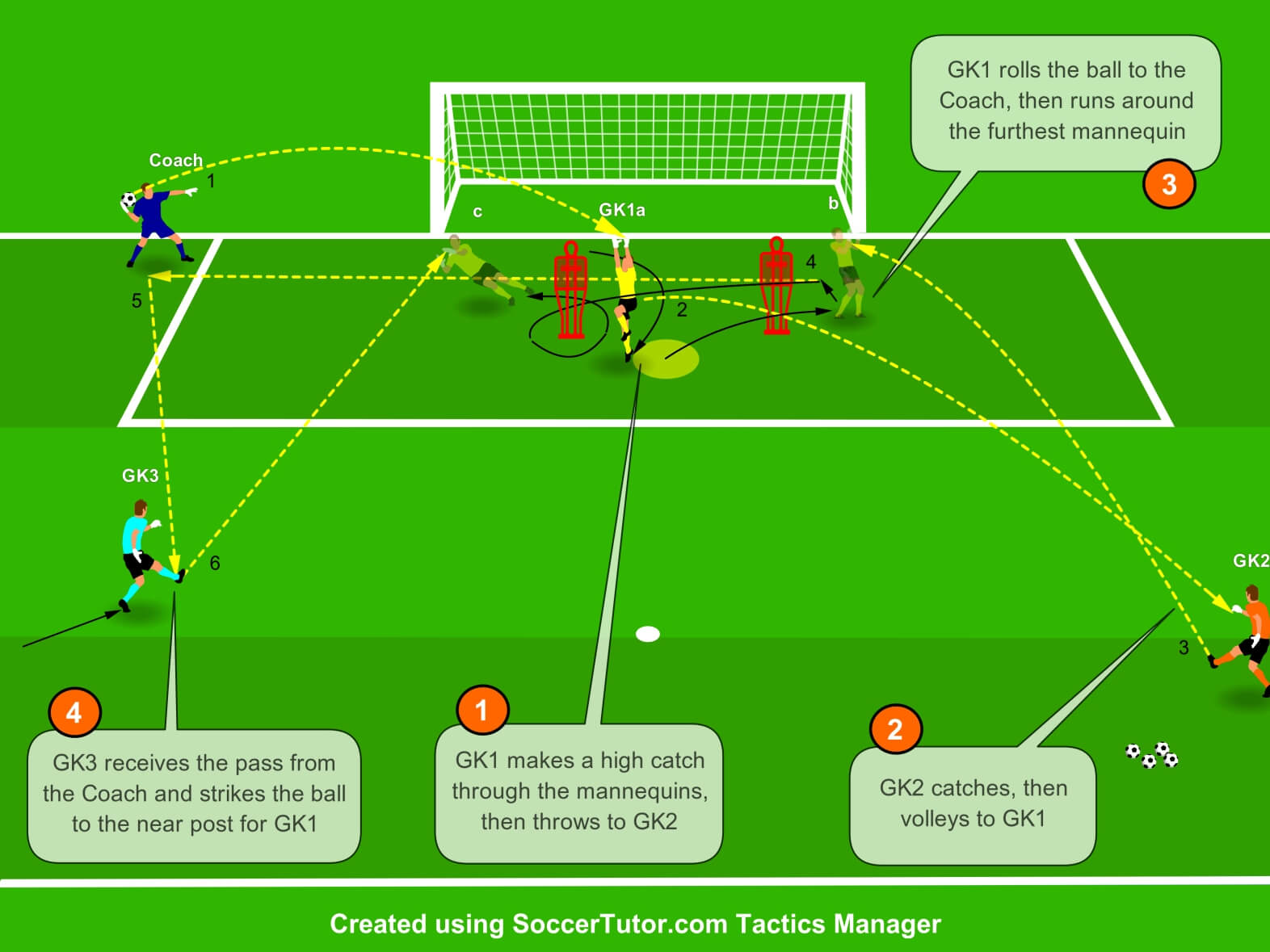
Goalkeeper Training
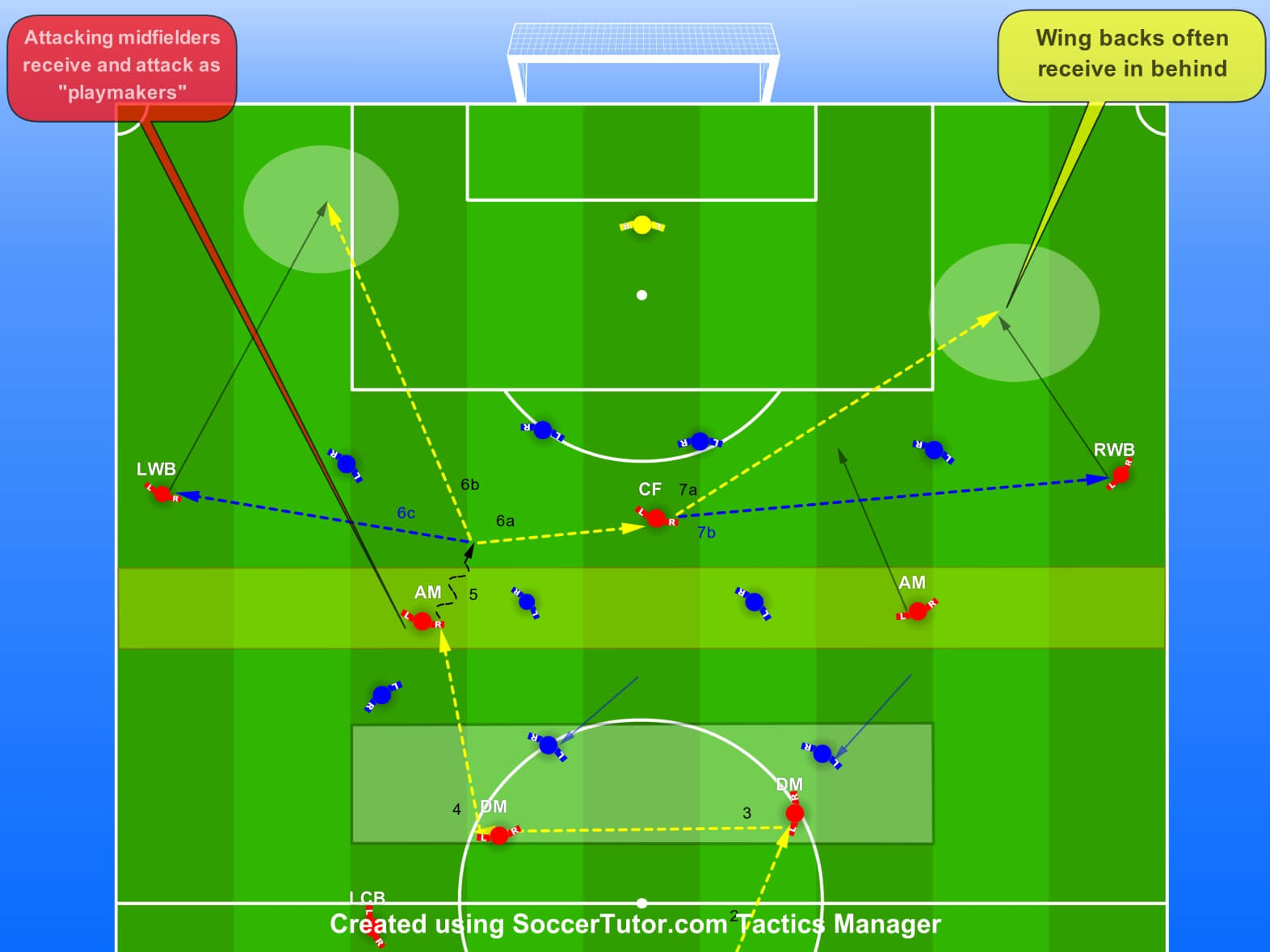
2D Diagrams
- 310+ proven ready-made practices, including animations
- 10 New Practices Monthly, including animations
- U5 to Pro — all levels covered
- All topics — from warm-up to GK
- Save hours of time - Instant Library
- Fully editable and customisable

Cloud Saving - Access Across All Devices!
Access on all your devices. Backed up. Always ready.

Stored Locally

Save all your files on your device

Organise library by folders

Access files offline

Stored Locally with Cloud Back Up

All Stored Locally Features

Your files backed up in the cloud

Auto-backup – never lose your files

Stay synced across all devices
“Excellent tool to aid your coaching program. Easy to use and the Premier Plan option adds a lot of very useful features, highly recommended”
James
Add your Logo & Brand your
Practices, Sessions & Animations
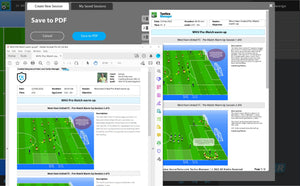
Export sessions or practices as PDFs — diagrams as JPEGs, Animations as MP4s
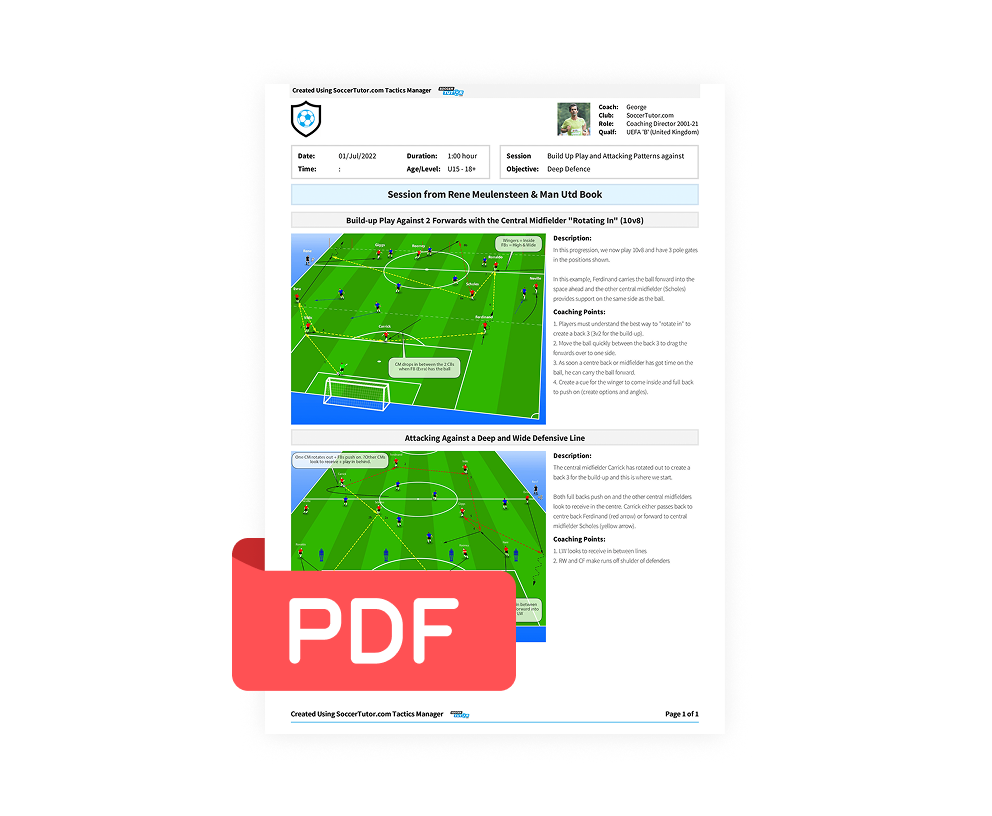
Your Logo on PDF Exports
For sessions or practices

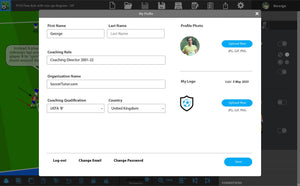
- Export PDFs with your coach profile
- Add your logo: practices & sessions
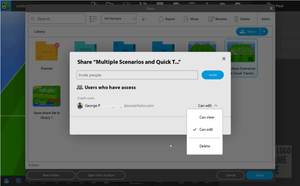
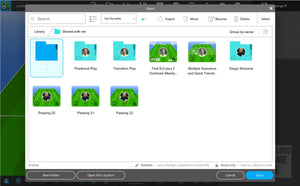
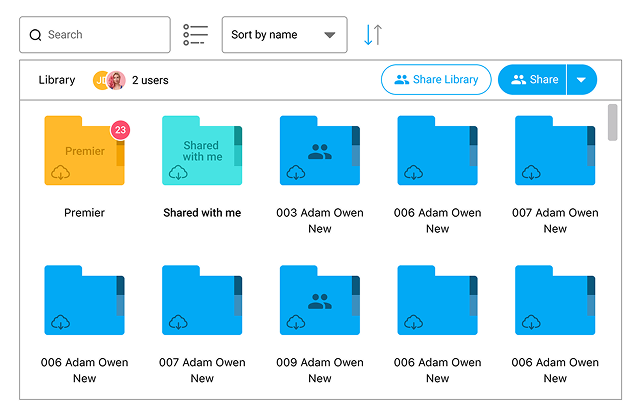
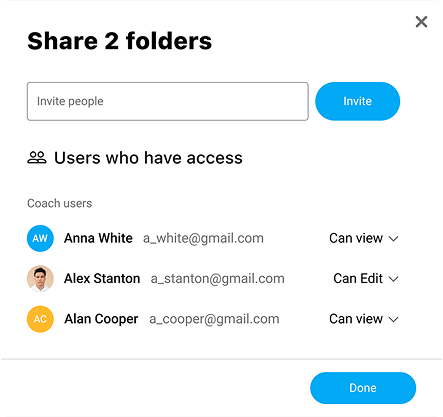
Share and Collaborate with Coaches — Folders, Practices, Sessions & Programs
No more sending files back and forth. Share drills, sessions, and full folders instantly
- Everyone stays aligned — same drills, same programs
- Share full programs with age groups or staff roles
- Skip the emails — everything synced and accessible
Upgrade to Premier today
Premier
Add-On for Tactics Manager Pro
- 310+ ready-made practices: including animations, +10 new every month
- Animations: create and export, unlimited
- ✦ SoccerTutor AI: writes your training notes, 50 uses a month
- Cloud saving: your practices & sessions on any device
- Add your logo: brand your practices & sessions
- Share and collaborate with coaches, teams and staff
K
I use the app daily to plan my workout sessions, and it’s excellent.
A
Все идеально для тренера
S
Great
S
Excellent product, gives references for the coaches that are great for Elite Coaching
M
Gut.
A
Constantly delivering top quality products and support.
M
grazie
A
Perfect
K
A great addition to the very useful Tactic Manager app. Cloud saving is very useful when working on different platforms. I use it on Tablet and pc and everything works fine. The syncing sometimes has some little issues but in general thins work ok. The animation option added recently is also useful to have.
V
Tactics manager is the best app for me. Easy to use, create, save and change drills. Excellent for daily use, training planning and communication with the team's staff and players. It also helped me a lot in illustrating my football coaching books. Now with the addition of animation, simply top!